
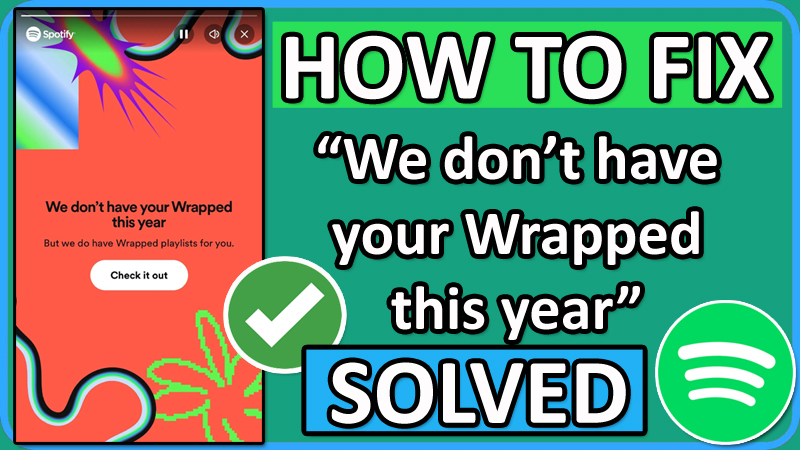
In this article, you will learn how to fix “We don’t have your Wrapped this year” on Spotify.
Read This Important Note Before Following The Fixes
- Your Wrapped will show up, only if you have met these requirements:
- You should have an account on Spotify.
- Your Spotify app version should be 8.8.80
- You have played more than 30 tracks for over 30 seconds each and from 5 different artists.
- The wrapped may not be available in some regions, due to different criteria.
Source: Spotify Community.
How To Fix “We don’t have your Wrapped this year” on Spotify
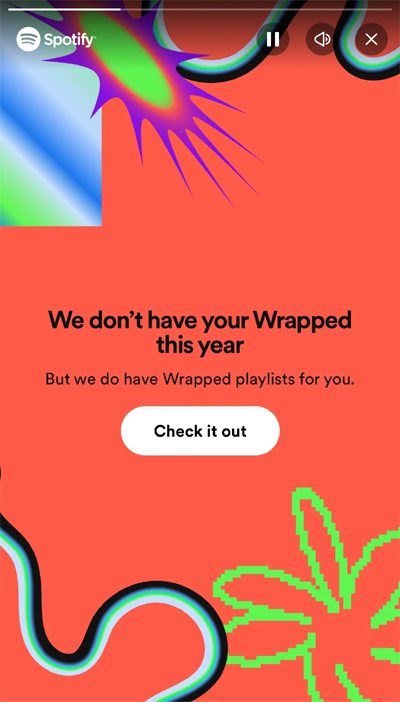
To fix “We don’t have your Wrapped this year” on Spotify or Spotify Wrapped 2023 not showing up, you must:
- Update your Spotify app.
- Update your Phone software.
- Or view your Spotify Wrapped on a web browser instead.
Fix 1. Update Spotify App
-
- On Android: Open Google Play Store > Search for “Spotify” > Tap on “Update” button.
- On iOS: Open App Store > Search for “Spotify” > Tap on “Update” button.
Tip: If you are app is already up-to-date, then uninstall and re-install it.
Fix 2: Update Your Phone Software
- On Android: Go to Settings > System > System update > Download and install updates if any are available.
- On iOS: Go to Settings > General > Software Update > Download and Install, if any are available.
Once that’s done, open the Spotify app and tap on the Search option and select “Wrapped Hub” tile. Tap on “Your Wrapped” tile to see your Wrapped stories.
Fix 3. See Spotify Wrapped From Web Browser Instead
- Open any web browser such as Chrome or Safari.
- Visit: https://www.spotify.com/wrapped/ and log in to your account.
- See your Spotify Wrapped.
If you have found this article helpful, then please share it as it can help other users!
Please support us by subscribing to our YouTube Channel.
You May Also Like:
- How To Fix Spotify Wrapped 2023 Not Showing Up
- How To Fix Spotify Podcasts Not Working On Android or iOS
- Spotify Stops Playing When Screen Is OFF On Android – Fix It Now!
- Spotify Not Working On Android Auto? Here Is The Real Fix!

Max Field is a founder of Recover Android Data. He is an Android lover and loves to write tips, tricks, fixes for errors, data recovery solutions and more related to Android. Provide Gaming Tips, Tricks, Game Error/Issues Solutions (PC/Xbox/PlayStation/Mobile). He is now also interested in solving LinkedIn Puzzles. He has 12+ years of experience in this field.