
There is nothing worse than spending hours editing a TikTok video only for the upload to freeze at 99%. Whether you use TikTok for fun or rely on it to earn a living, upload failures cost you views and engagement.
There is nothing worse than spending hours editing a TikTok video only for the upload to freeze at 99%. Whether you use TikTok for fun or rely on it to earn a living, upload failures cost you views and engagement.

Is your OnePlus 13 or 13R suffering from frustrating network drops?
Many users report experiencing severe network issues right after installing a new software update. These bugs can manifest as unstable Wi-Fi connections, sudden “No Service” errors, slow mobile data speeds, or cellular data turning off automatically. The good news is that you don’t need to head to a service center just yet.

Did you encounter the error message “Unfortunately, Facebook Lite has stopped” or notice that Facebook Lite keeps stopping on your Android device? If you have no idea why this is happening or how to solve it, don’t worry! In this guide, you will find all the potential solutions to fix Facebook Lite crashes on Android. Simply go through the steps one by one to get your app working perfectly again.

Google Pixel 9/9 Pro/9 Pro XL are three premium smartphones originally launched by Google on August 13, 2024.
Since their release, many users have expressed frustration over unexpected overheating problems with these otherwise excellent devices.

Lost or accidentally deleted your chat history, photos, contacts, or videos in the IMO app on your Android phone or tablet? Are you looking for a legitimate solution to get back your deleted IMO messages?

Are your Instagram Stories archives suddenly missing or failing to load? You are not alone.
If you are staring at a blank screen or can’t find your past memories, this guide covers the most effective, tested solutions to restore your missing Instagram Stories archive immediately.

Many Xiaomi ecosystem users frequently face a frustrating black screen overlay. This unexpected display shows a specific error message. It states: “Don’t cover the earphone area.”

Nowadays, most people buy a premium camera phone to capture precious moments and share them on social media. But what happens when the hardware fails you? Currently, a frustrating number of users are encountering a bug where their Samsung Galaxy S25 or S25 Ultra camera app keeps crashing or freezing.
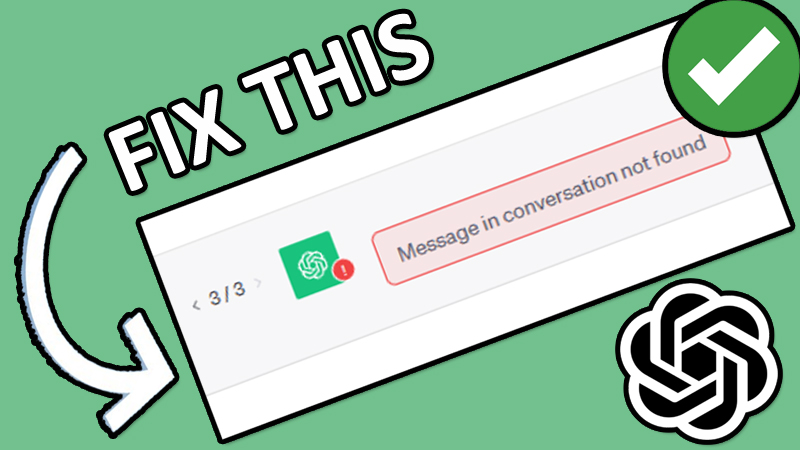
Are you staring at a frustrating “Message in conversation not found” or “Conversation not found” error in ChatGPT? If so, you are definitely not alone. Thousands of users face these disruptive glitches daily.
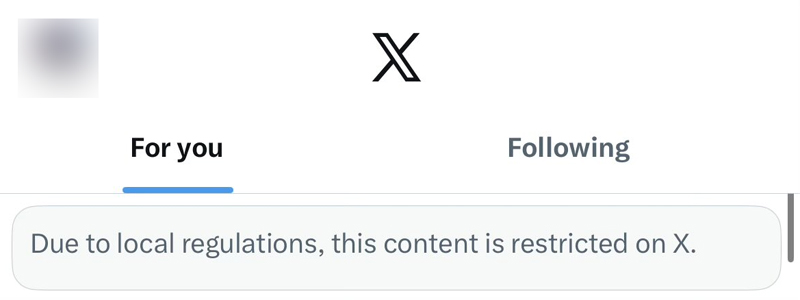
X (formerly Twitter) is one of the most popular platforms for real-time news, discussions, and accessing advanced tools like Grok AI. However, a growing number of Android and iOS users are suddenly running into a frustrating roadblock: the “Due To Local Regulations This Content Is Restricted” error message.