
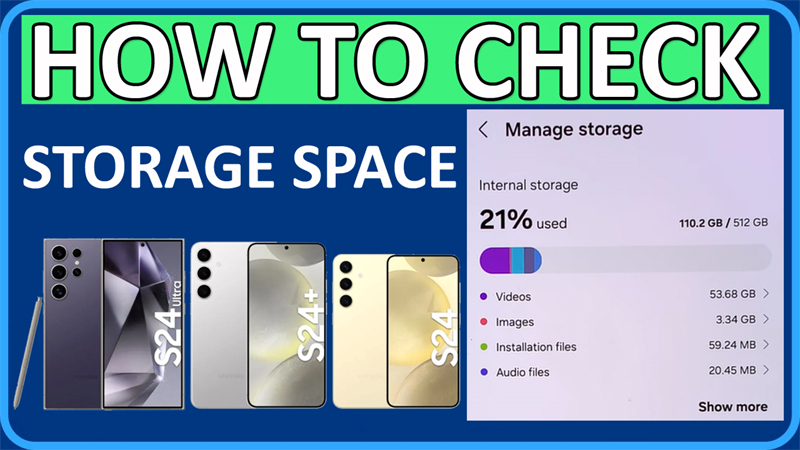
In This Article, You Will Learn How To Check Storage Space on Samsung Galaxy S24 Ultra, S24 Plus or S24.
Steps To Check Storage Space on Samsung S24 Ultra/S24 Plus/S24
Step 1: On your S24 device, go to Settings > Device care.
Step 2: Tap on Storage.
Step 3: And here you can check the storage space or available storage on your Samsung S24/S24 Plus or S24.
That’s It.
If you have found this post helpful, then please share it as it can help other users!
Please support us by subscribing to our YouTube Channel.
You May Also Like:
- How To Fix WiFi Issues on Samsung S24 Ultra/S24 Plus or S24
- Fix Overheating on Samsung Galaxy S24/S24 Plus/S24 Ultra
- How To Share WiFi Password on Samsung S24 Ultra/S24 Plus/S24
- How To Enable Dark Theme on SAMSUNG S24 Ultra/S24 Plus/S24

Max Field is a founder of Recover Android Data. He is an Android lover and loves to write tips, tricks, fixes for errors, data recovery solutions and more related to Android. Provide Gaming Tips, Tricks, Game Error/Issues Solutions (PC/Xbox/PlayStation/Mobile). He is now also interested in solving LinkedIn Puzzles. He has 12+ years of experience in this field.