
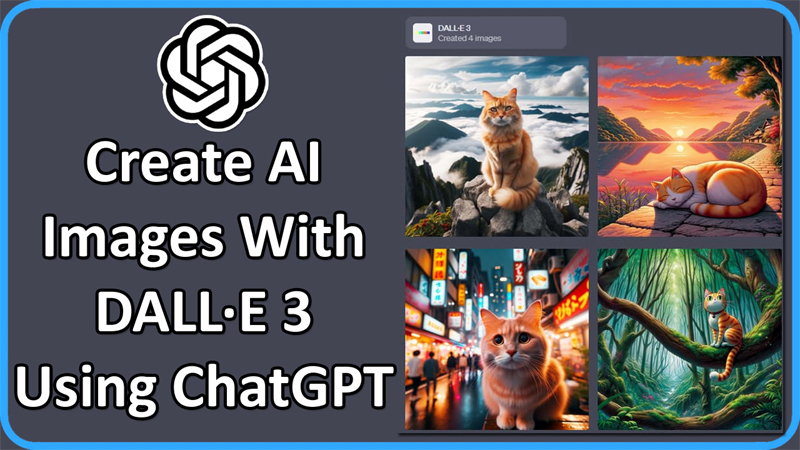
Do you want to generate AI images?
Well, OpenAI has DALL-E 3 features that will help you to create AI images in ChatGPT.
This is a new text-to-image model by OpenAI, which can understand textual nuances and allow you to translate and create appropriate images.
In this guide, you will learn how to create AI images with DALL·E 3 using ChatGPT.
So, here we go!
Steps To Create AI Images Using ChatGPT and DALL·E 3
Note: You can generate AI images only if you have subscribed to ChatGPT Plus or Enterprise.
Step 1: Go to https://chat.openai.com/
Step 2: Log in to your ChatGPT account and subscribe to ChatGPT Plus (if you do not have a subscription).
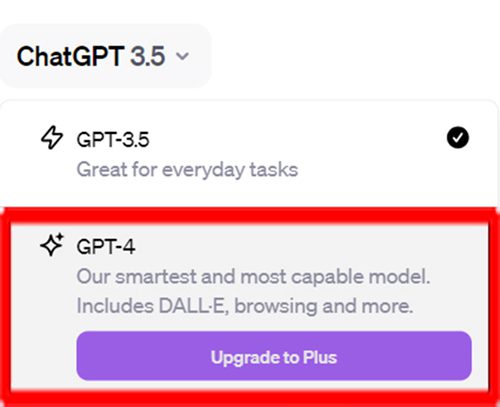
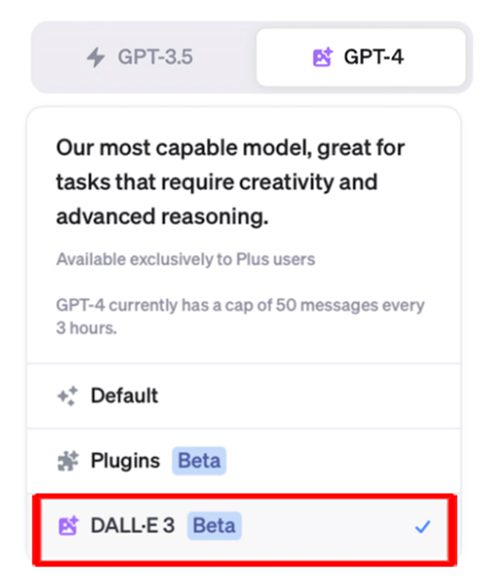
Step 3: Click on “GPT-4” tab and select “DALL·E 3” feature.
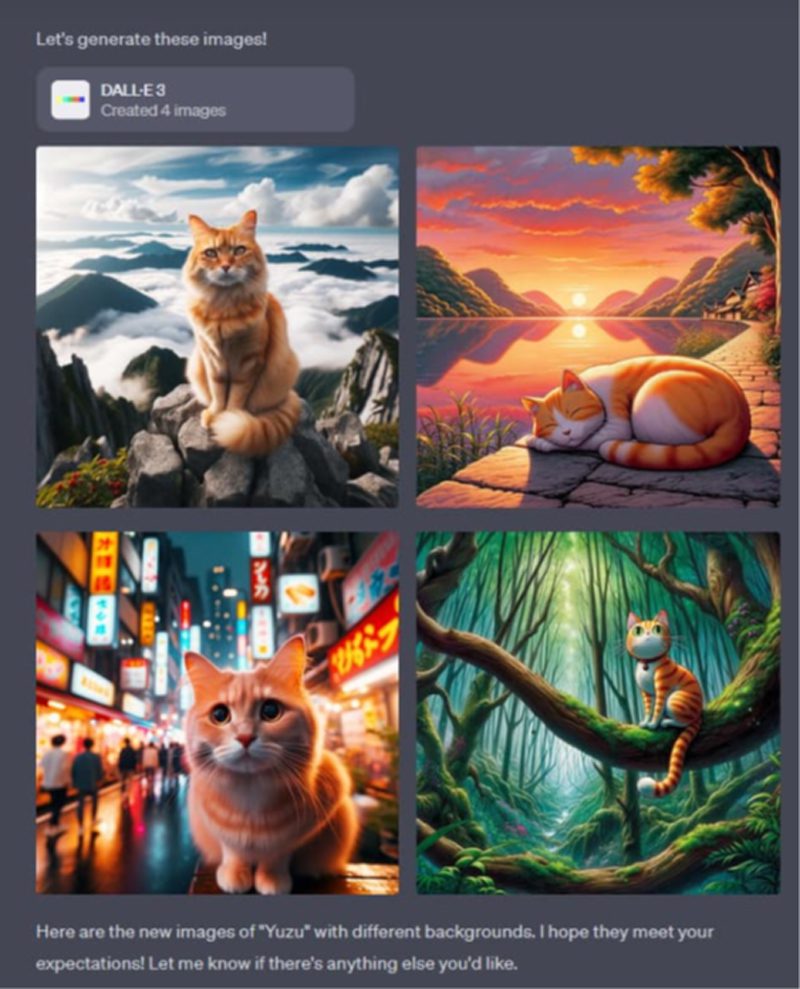
Step 4. Now you have to describe the image that you want ChatGPT to generate (for example: “Yuzu”, the orange cat) and send the prompt.
That’s it! ChatGPT will now create images based on your description.
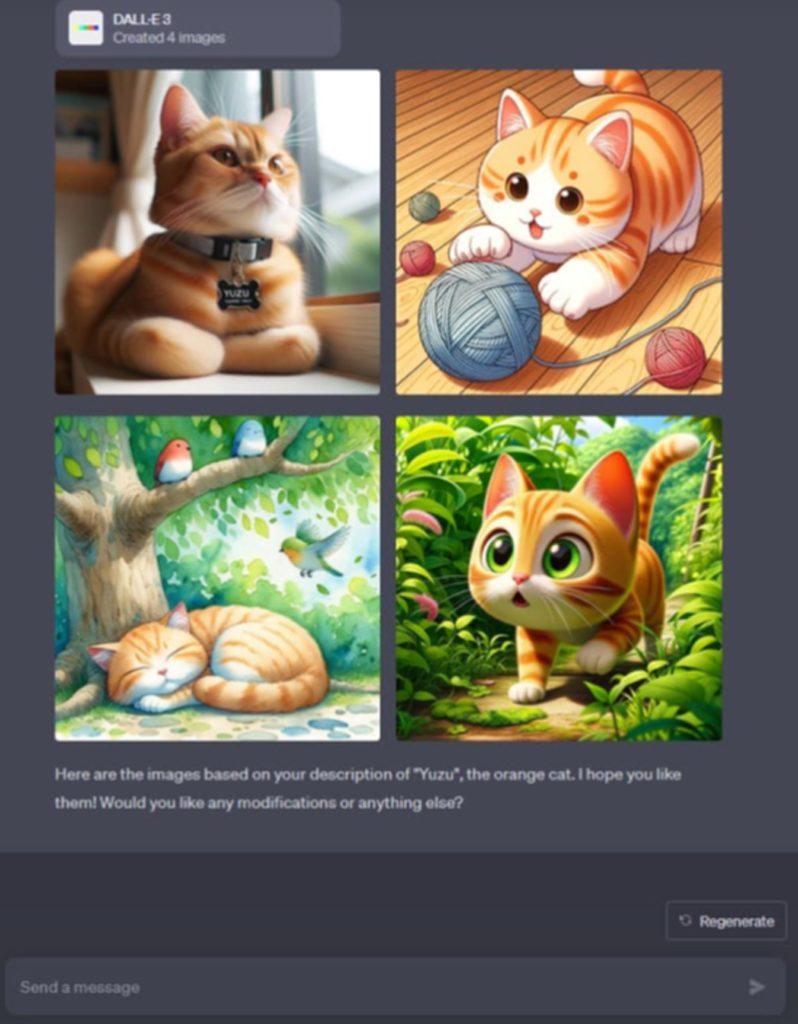
You can follow-up the prompt (for example: “Yuzu” with different backgrounds) in order to make changes to the images.
If you have found this article helpful, please share it as it can help other users!
Please support us by subscribing to our YouTube Channel.
You May Also Like:
- How To Fix “Message in conversation not found” Error In ChatGPT
- Fix ChatGPT Error “Something went wrong. Please contact us through our help center at help.openai.com”
- How To Use ChatGPT In WhatsApp
- How To Use ChatGPT On Android [Step-By-Step Guide]

Max Field is a founder of Recover Android Data. He is an Android lover and loves to write tips, tricks, fixes for errors, data recovery solutions and more related to Android. Provide Gaming Tips, Tricks, Game Error/Issues Solutions (PC/Xbox/PlayStation/Mobile). He is now also interested in solving LinkedIn Puzzles. He has 12+ years of experience in this field.