
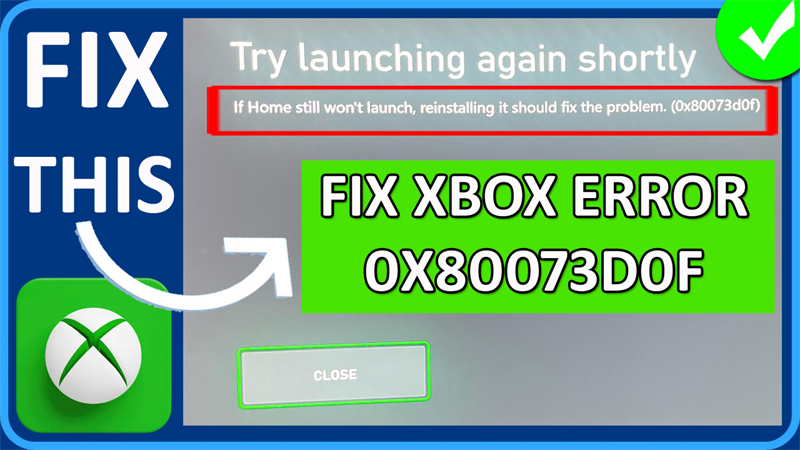
In This Guide, You Will Learn How To Fix Xbox Error 0X80073D0F Try Launching Again Shortly (If Home still won’t launch, reinstalling it should fix the problem. (0x80073d0f).
The Solutions Also Applies On How To Fix Xbox Home Screen Not Loading, Won’t Open or Won’t Start.
How To Fix Xbox Error 0X80073D0F Try Launching Again Shortly
Fix 1. Make Sure Your Xbox Is Up-To-Date
- Press Xbox Guide button.
- Go to Settings > System.
- Click on “Updates” and make sure it is up-to-date. If it is not, then update it.
Fix 2. In Settings Go In and Out of Storage Devices
- Go to Press Xbox Guide button.
- Go to Settings > System and then click on “Storage devices”.
- After this, just go back to Home Page.
- Now, check your problem is fixed or not.
Fix 3. Clear Persistent Storage & Alternate Mac Address
3.1. Clear Persistent Storage
- Press Xbox Guide button.
- Click on Settings in Profile & system
- Go to Devices & connections > Blu-ray.
- Click on Persistent storage and then click “Clear persistent storage”.
3.2. Clear Alternate Mac Address
- Press Xbox Guide button.
- Click on Settings in Profile & system
- Go to General > Network settings.
- Navigate to Advanced settings > Alternate MAC address.
- And then click on “CLEAR” and then Restart your console.
- After your console restarts. Now, check if your problem is solved or not.
Fix 4. Reset Console Without Deleting Games
- Press Xbox Guide button.
- Go to Settings > System.
- Then click on Console info > Reset console.
- Click on “RESET AND KEEP MY GAMES & APPS”.
- After this check if your issue is fixed or not.
If you have found this post helpful, then please share it as it can help other users!
Please support us by subscribing to our YouTube Channel.
You May Also Like:
- How To Fix Error Code 80151015 on Xbox
- How To Fix 100% Packet Loss On Xbox
- How To Fix Xbox High Wait Time With Cloud Gaming
- How To Fix Xbox App for PC Not Installing

Max Field is a founder of Recover Android Data. He is an Android lover and loves to write tips, tricks, fixes for errors, data recovery solutions and more related to Android. Provide Gaming Tips, Tricks, Game Error/Issues Solutions (PC/Xbox/PlayStation/Mobile). He is now also interested in solving LinkedIn Puzzles. He has 12+ years of experience in this field.