Is your Samsung A14 or A14 5G touchscreen not working? Is it not responding or has become completely unresponsive?
Samsung Galaxy A14 or Galaxy A14 5G smartphones are great phone, but several users are reporting that it has touch screen issues.
Is your Samsung A14 or A14 5G touchscreen not working? Is it not responding or has become completely unresponsive?
Samsung Galaxy A14 or Galaxy A14 5G smartphones are great phone, but several users are reporting that it has touch screen issues.

Purchased Google Pixel 8 or Pixel 8 Pro?
Excited to use it?
Just hold on! Have you transferred all your data from your previous phone to your new Pixel 8 (Pro) phone?
Is your Samsung A14 or 14 5G having a network problem?
There could be several network problems such as mobile data not working, not being able to surf internet as fast as you want, mobile data turning off automatically.
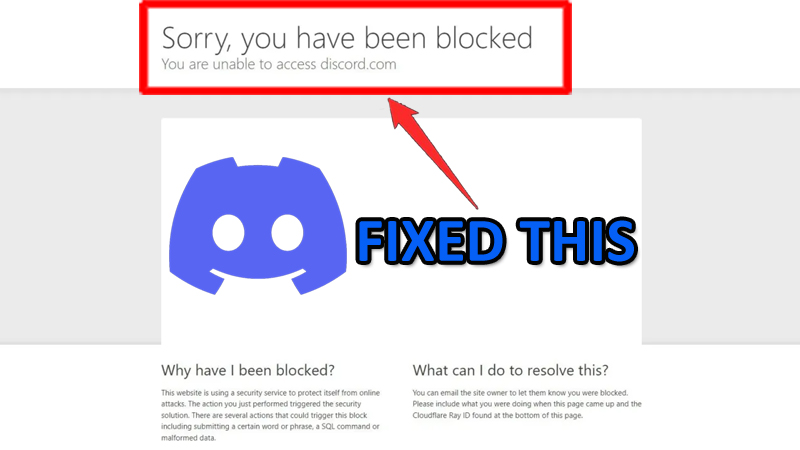
After going through several forums and community websites including Discord, Reddit, Twitter, etc, I have noticed that Discord has been hit with a large error affecting PC users.
The error says “Sorry, you have been blocked” followed by another message “You are unable to access discord.com”.

Overview: Accidentally deleted or lost data on your Huawei Honor phone? Want to recover lost data? Don’t worry and just relax! In this page I am sharing some effective Huawei Honor Data Recovery solutions that will help you to recover lost or deleted data from Huawei Honor smartphone.
Purchased a new OnePlus 11R 5G phone?
Excited to use it?
Wait a minute!
Have you transferred data from your old phone data to your new OnePlus 11R smartphone?
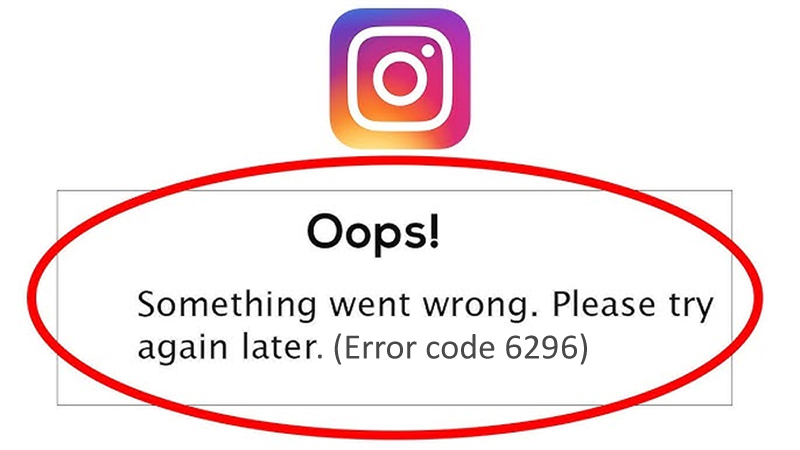
Instagram users are encountering error code 6296.
Users are getting this error message when they try to open the Instagram app and the app does not work.
The full error message is as follows:
“Oops, something went wrong”.
Followed by, “Please try again later. (Error code: 6296)”.

Roblox is a popular game with lots of features that allow players to play millions of games and connect with friends under one roof.
The game has a restriction feature that allows guardian or parents to keep their kids away from any kind of unsuitable content in the game.

Lots of Xiaomi device users who use Redmi phones or Mi phones are facing with “Don’t cover the earphone area” error.
This error is specifically seen on Xiaomi mobile phones and other Poco phones such as Redmi 9/9c, Redmi Note 9/9 Pro, Redmi 9a/9t, Redmi Note 8/8 Pro, Redmi Note 7, Poco X3/X3 Pro, Poco M3.