
Are you wondering how to see or view saved passwords on Samsung pass? No Worry! In this post, you will easily learn the steps to see/view saved passwords on Samsung pass.
Are you wondering how to see or view saved passwords on Samsung pass? No Worry! In this post, you will easily learn the steps to see/view saved passwords on Samsung pass.

Facebook helps us to remember our friend’s birthdays. But many of my friends have stopped using Facebook for the past few years. However, we can still take benefit of our Facebook friend’s list and import all of my friend’s birthday lists to my Google Calendar which I am using regularly.
So, currently, if you and your friends are not using Facebook then it’s better to import birthdays from Facebook to Google Calendar. It can help you to remember your friend’s birthday. Here is the complete guide on how to import birthdays from Facebook to Google Calendar.

Overview: Airplane mode is a useful feature that let you disable all other features that can disrupt flight communication. But after enabling it some Samsung users are reporting that they are unable to turn it off. Well, you don’t have to panic as you can fix this problem by applying some methods. Here, I have discussed different ways to fix Samsung phone stuck on Android mode.
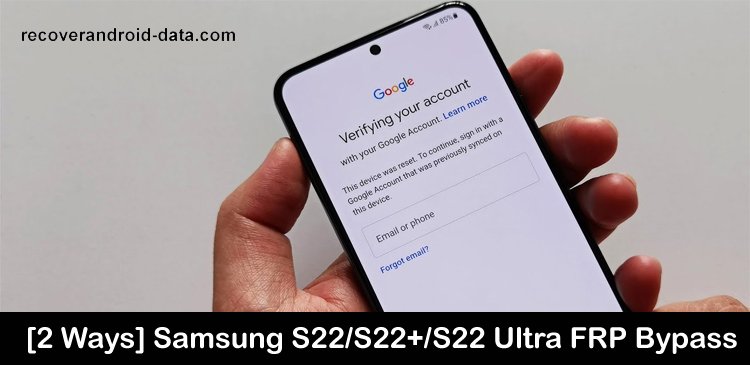
Samsung Galaxy S22 series phone has powerful features including an FRP system. To bypass FRP (Factory Reset Protection) you need to enter the Google account details and if you forget them then you can’t access your device.
So, if you have also turned on FRP on your Samsung Galaxy device and you forget the Google account details and due to this you are unable to unlock FRP then don’t worry. Simply read this guide, here you will learn how to bypass FRP on Samsung Galaxy S22/S22+/S22 Ultra.

Is your Emoji Keyboard disappeared on your Samsung phone? They aren’t showing up in your text message anymore? Are you wondering why your emoji disappeared on your Samsung device?
Well, you are not alone. There are many Samsung users experiencing this issue.
So, in this post, I am going to share some tips that will help you to fix Emoji keyboard missing/disappeared on Samsung phones or tablets.

In today’s technology, contactless payment (cashless payment) is increasing day by day, mostly it has increased after the COVID crisis. A huge number of people have registered to make payments contactless using their smartphones or smartwatches, instead of paying cash or using a debit or credit card.
Mobile payment allows users to link their bank debit or credit card to the respective mobile payment app on their smartphone/smartwatches so that they can make payments for purchasing goods and services by scanning a contactless payment reader (barcode) and thereby make payment by tapping on the phone and hence you don’t require your card to make payment.

Did you notice a suspicious call from an unknown number on your kids’ phone?
It might be a scammer targeting your child as their next target. According to this CNBC report, children and teens are being targeted by scammers. In 2020, the cases rose to 23, 000 from 9000 in 2017.
Children of the gullible age are easy and primary targets of these phone scammers. Hence, parents need a powerful tool to save their children from these scams. TiSPY, a parental control software, is the tool the parent needs.
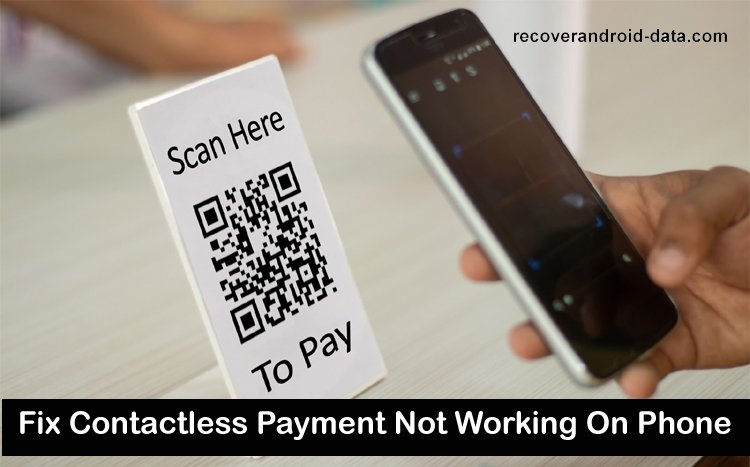
Technology has made human work easy and simple. But when technology stops working then it becomes very much frustrating. From internet lagging to malfunctioning of virtual assistants, the inconvenience can make your day much harder.
And when it comes to contactless payment like Google Pay (GPay), the consequences of interrupted service are a more serious problem than a minor inconvenience.
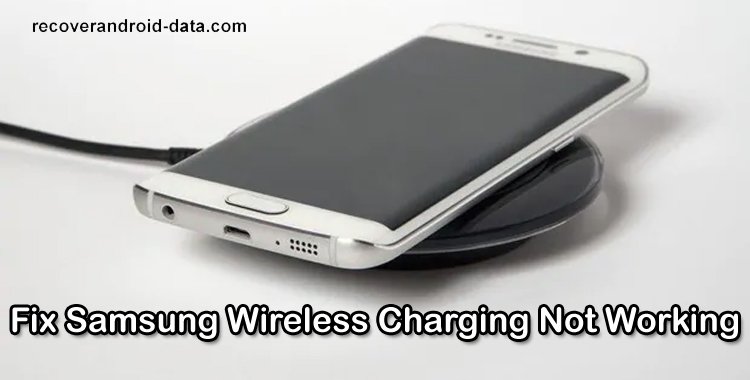
Your smartphone is very important for both professional and personal life and to run it your device needs battery life. In this time of technology, there are many accessories such as the wireless charger used for charging. It provides convenience for its users as you need to just lay down your phone on the surface to charge.
But this convenience sometimes turns into a nightmare when you realize that your phone is not charging with a wireless charger. If this is happening with you then here learn some different ways to fix wireless charging not working on Samsung phones.
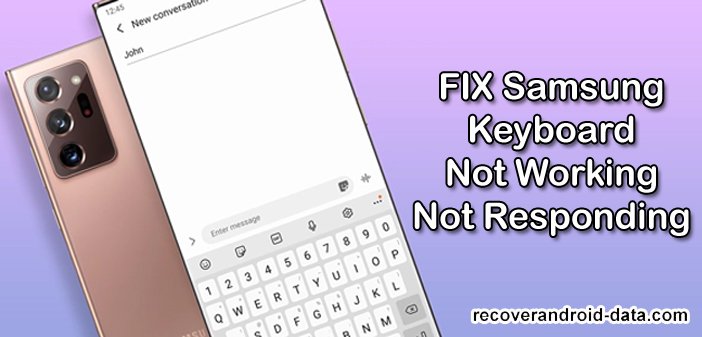
Are you trying to type messages but you are unable to do it because your Samsung Keyboard is not working or not responding. You tried several times but every time you get failed and now you get irritated and want to fix it as soon as possible. Don’t Worry! We are here to help you in the same. In this troubleshooting guide, you will learn different solutions to fix Samsung Keyboard not working/not responding properly.