
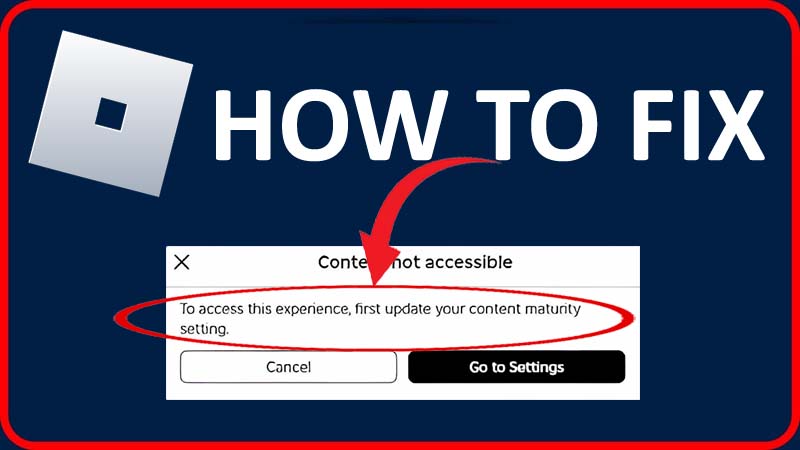
Are you encountering the error “To access this experience, first update your content maturity setting” on Roblox?
This error message appears when you try to join an experience that has a high content maturity requirement.
There are several content maturity settings including minimal, mild, moderate, and restricted.
So, to solve the issue you need to set your settings to the experience’s requirement to higher only then you can solve the issue.
In this tutorial, you will learn to fix “To access this experience, first update your content maturity setting” in Roblox.
How To Fix “To access this experience, first update your content maturity setting” In Roblox
You can easily fix the error “To access this experience, first update your content maturity setting” in Roblox.
Here, follow the steps to solve the error message:
Step 1: Visit Roblox.com and login to it if needed.
Step 2: Tap on gear icon and then hit on Settings.
Step 3: Next, select “Privacy & content maturity”.
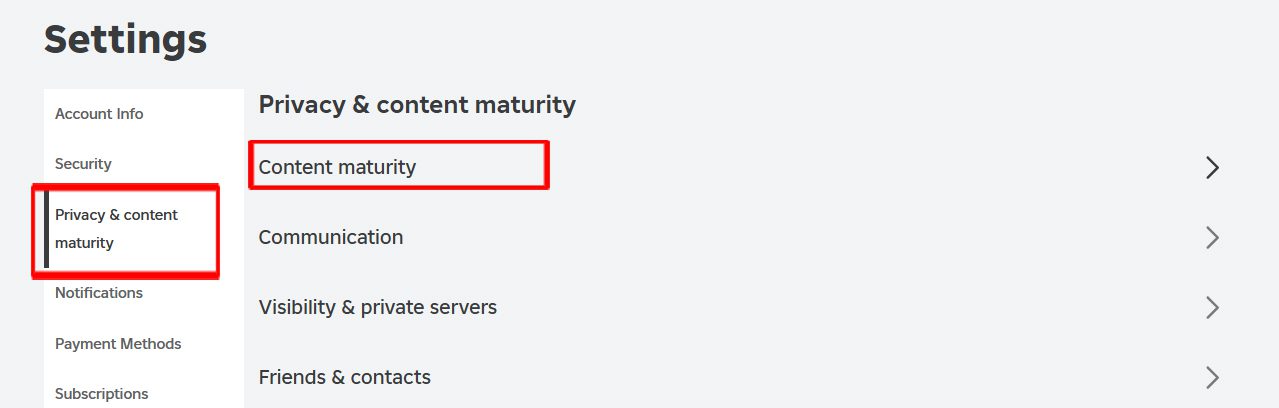
Step 4: After this, tap on “Content maturity”.
Step 5: Then move the slider to “Moderate” or “Restricted” to increase the content maturity level.
Step 6: Now, try to launch the experience again.
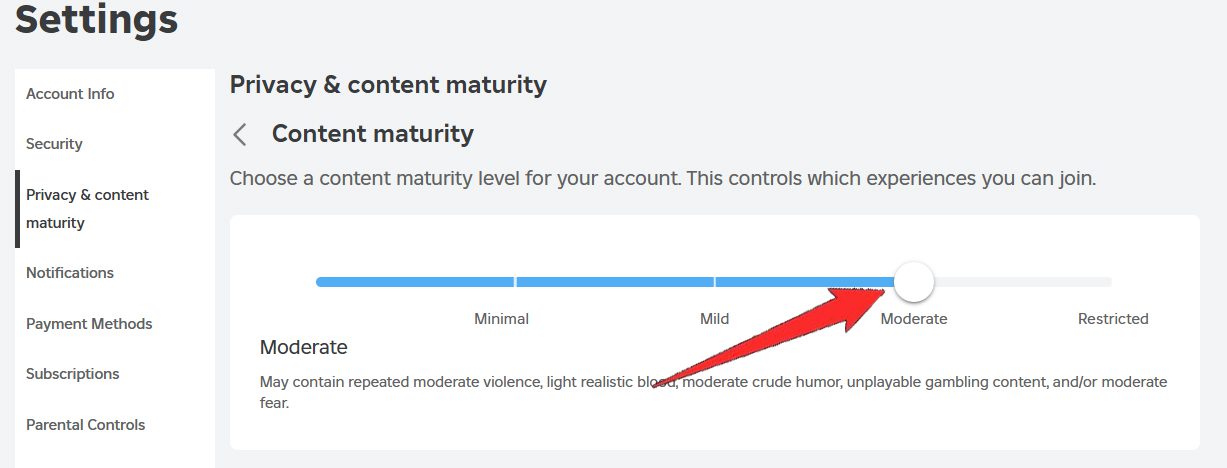
Note: Your age must be 17 or above and you need to verify your age in your account info only then you can set the content maturity level to “Restricted”.
Wrap Up
We hope you found this guide helpful and fixed the error “To access this experience, first update your content maturity setting” in Roblox. And now you can enjoy playing the Roblox game without any problem.
You can also share this guide with others so that I can also help them.
You Might Also Like:
- How To Fix “Content not accessible” In Roblox
- How To Fix “Experiences failed to load” In Roblox [2024]
- 6 Ways To Fix An Error Occurred and Roblox Cannot Continue
- How To Fix Roblox Keeps Crashing On Android

Max Field is a founder of Recover Android Data. He is an Android lover and loves to write tips, tricks, fixes for errors, data recovery solutions and more related to Android. Provide Gaming Tips, Tricks, Game Error/Issues Solutions (PC/Xbox/PlayStation/Mobile). He is now also interested in solving LinkedIn Puzzles. He has 12+ years of experience in this field.