
Have you forgotten the Google account details and due to this you are unable to bypass FRP on Galaxy J5 Prime?
If yes, and you are looking for a solution on how to bypass/remove FRP on Samsung Galaxy J5 Prime then this guide will surely help you.
Have you forgotten the Google account details and due to this you are unable to bypass FRP on Galaxy J5 Prime?
If yes, and you are looking for a solution on how to bypass/remove FRP on Samsung Galaxy J5 Prime then this guide will surely help you.

Well, many users report that they are experiencing the problem of “SIM card not detected” error on their Samsung S21 or S21 ultra. These errors are really annoying and disturbing as well.
If your Samsung says no SIM card when there is one, then how can you fix it?
Don’t worry! In this article we covered the proven ways to fix Samsung S21, S21 Ultra SIM card not detected. You can follow the troubleshooting ways and get rid of it.

If your Android tablet or phone is not responding, not accessible, working slowly, gets corrupted, or usually when your phone gets lost/stolen then the only way to fix it is by doing a factory reset.
The simple way to reset Android device is by doing it through the phone’s settings.

If your Disney Plus isn’t functioning properly or it completely stopped working on Samsung TV and you don’t know how to fix it?
Don’t worry!
In this guide, you will learn how to fix Disney Plus not working on Samsung Smart TV. You can follow the effective solutions and get rid of the problem.

There are some Samsung Galaxy users who are reporting that they are facing distortion around the edges of pictures and videos. This mostly happens with wide-angle lenses of phone’s camera.
If you are also encountering this issue on your phone and wanted to know why this is happening and how to fix picture and video distortion from a Samsung Galaxy phone’s camera then this guide is for you. Here you will find 10 effective solutions to fix the issue.

Snapchat users on Samsung Galaxy S22 series phone are facing lots of issues. They are as follows:
– S22 ultra snapchat front (selfie) camera not working
– Gesture Problem on Snapchat on Galaxy S22 Ultra
– Samsung S22 snapchat camera not working
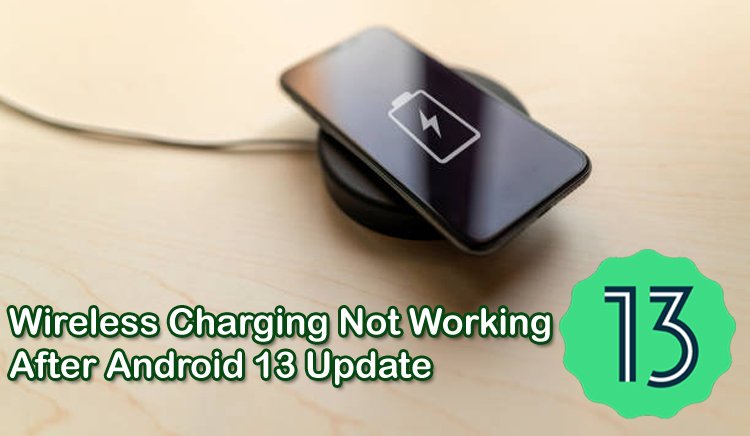
Many smartphone users like to charge their smartphone wirelessly, but after updating their device to Android 13, they can’t do it. I have seen this issue to be encountered by many people.
If you have also updated your device to Android 13 and facing the same problem then you don’t need to worry. In this troubleshooting guide, we will share some effective solutions to solve wireless charging not working after Android 13 update.
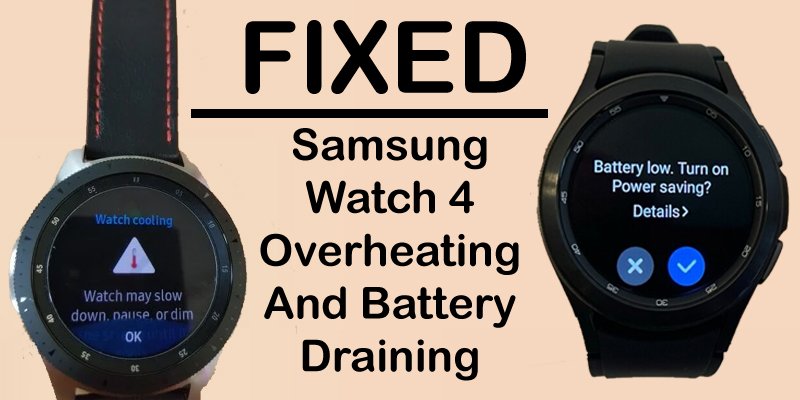
Samsung Galaxy Watch 4 is a great smartwatch and also has such a good design and great build quality. But it causes some issues like overheating, battery draining problems and it can really weird in emergency situations. Because when it’s got too hot, it will pop-up an alert, then it may shut down automatically.
Overheating is a serious problem that cause in many smartwatches and smartphones and it would also affects the battery life, because of the overheating the Galaxy watch consumes more power.

There are many people out there seeking for help when their right or left Samsung Galaxy earbuds not charging.
I have gone through lots of community and forum websites I see that many users facing this problem.
Problems of the two users are mentioned below for both cases – Right and left.
(Pic Credit: Getty Images)
The Android 13 update has come up with lots of bugs including the Bluetooth not working issue. If you have also updated your phone to Android 13 and encountering the same issue then you don’t need to worry.
In this guide, I am going to share some tips to fix Bluetooth connection/pairing/reconnect issues after Android 13 update. I hope they will surely help you to solve it.