Are you facing a Google Pixel 8a display flickering issue?
Every smartphone’s function depends on its software and hardware, including Google Pixel 8a.
Sometimes, your phone screen may be flickering due to glitches or hardware issues.

Are you facing a Google Pixel 8a display flickering issue?
Every smartphone’s function depends on its software and hardware, including Google Pixel 8a.
Sometimes, your phone screen may be flickering due to glitches or hardware issues.
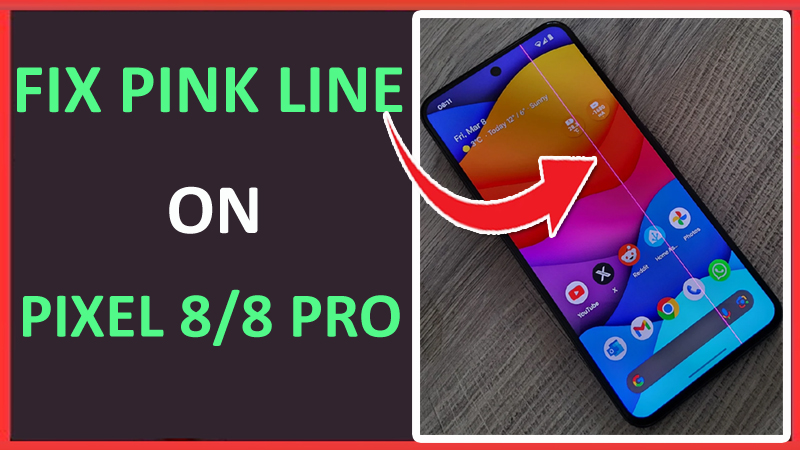
Are you encountering a pink vertical line on your Google Pixel 8 or 8 Pro? If yes, and you want to fix it as soon as possible then you have landed on the right webpage.
Here, we will discuss some possible solutions to fix the pink vertical line on Google Pixel 8/8 Pro.
Is Always on Display (AOD) not working on your Samsung Galaxy S24, S24 Plus, or S24 Ultra? If yes then you don’t need to worry as here, we are going to share some effective ways to fix Galaxy S24/S24 Plus/S24 Ultra Always on Display not working.

There are many Pixel users who are facing Bluetooth connectivity issues on their phones if you are also one of them then you don’t need to worry as here we are going to discuss some possible and quick ways to fix Google Pixel 8a Bluetooth connectivity issue.
Are you having a Google Pixel 8a bad Wi-Fi signal? but don’t know how to fix it?
Nowadays, an Internet connection is all over the world and everyone can use the Internet via mobile data or a Wi-Fi connection.
Even though the internet is all over the place, still some users find it difficult to connect their devices to Wi-Fi.

Are you encountering an ADB device unauthorized error?
If yes, then you have come to the right place.
In this guide, you will learn how to fix an ADB device’s unauthorized errors.
Although smartphones these days come with many advanced features, users still face overheating problems on their Google Pixel device. If you are using your cellphone continuously and that’s why it is overheating then it can be a normal problem.
But if you use your phone for a few hours and it starts overheating then you need to take action to fix it.
Is the auto-rotate feature not working on your Samsung Galaxy S24 series phone? Sometimes the screen gets stuck in portrait mode and doesn’t rotate automatically despite changing the smartphone’s orientation.
If yes, then this can be very irritating when you wish to watch content on a wider landscape screen. But now you don’t need to worry as this guide will teach you how to fix Samsung S24/S24 Plus/S24 Ultra auto rotate not working issue.

Samsung S24 series phones have many great features including battery life. But still, some Galaxy S24 users wants to improve the battery life of their phone.
If you also want to boost the cell power of your device then this guide will help you in the same. Here, we have shared some quick and easy tips on how to optimize battery life on the Samsung Galaxy S24, S24 Plus, or S24 Ultra.
The Samsung Galaxy S24, S24 Plus, or S24 Ultra phone comes with a lot of AI-powered features to improve user experience. It also means that you will get endless tips from the AI assistant which can be annoying to you.
So, if you are annoyed or get frustrated or disturbed with the AI tip notifications and want to turn it off then this guide is for you.