
7 Days to Die is an open-world game that is a unique combination of first-person shooter, survival horror, tower defense, and role-playing games.
Play the definitive zombie survival sandbox RPG that came first.
In this article, you will learn how to fix 7 Days to Die server is still initializing, please try again in a minute error on PC.
Causes For 7 Days to Die Server is still initializing error
The most common causes could be server down issue.
It can also arise due to server startup issues. It generally arises when there is some sort of problem on the host server. In some cases, the problem could be on the joiner end as well.
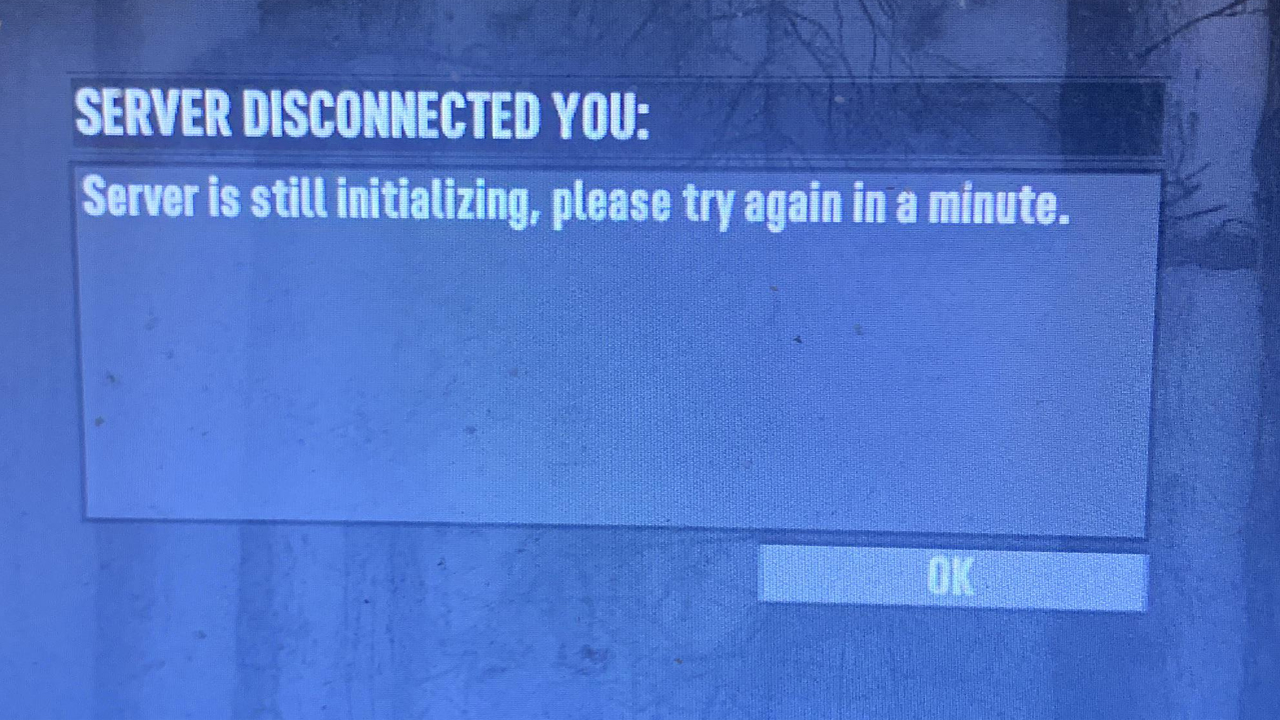
How To Fix Server Is Still Initializing Error In 7 Days To Die
1. Check Server Status
It could be possible that the server status of 7 Days to Die might be down and hence you are keep getting server is still initializing error.
You can check sever status from the following sources:
Official 7 Days To Die Twitter
2. Restart Server
Just restart the server and then check.
Whoever is hosting the server ask them to go back to the main menu, relaunch the server or close the game.
If you are having your own private server and your friends are not able to join, then simply head back to main menu and relaunch the server and invite your friends again.
This fix has probably solved the 7 Days to Die server is still initializing error issue for many Players.
3. Check Memory Availability
As, 7 Days to Die is a CPU-intensive game, it requires high memory allocation. If not, then it will possibly create lots of problem/error such as game will be laggy, choppy or even does not respond.
So, to make sure that this is case, you have to check the latest gameplay logs. You can check this by navigating to this directory – C:\Users\USER\AppData\Roaming\7DaysToDie\logs
Here, check your latest logs and look for RAM allocation. And if you find that your PC is short in RAM allocation, then we recommend you to close other program that is running beside the game, and also close the background process that might be using your CPU usage.
That’s all for this guide, that will help you to fix 7 Days to Die Server is still initializing error.
For more related and latest guides, explore our articles on Gaming Section.

Max Field is a founder of Recover Android Data. He is an Android lover and loves to write tips, tricks, fixes for errors, data recovery solutions and more related to Android. Provide Gaming Tips, Tricks, Game Error/Issues Solutions (PC/Xbox/PlayStation/Mobile). He is now also interested in solving LinkedIn Puzzles. He has 12+ years of experience in this field.