
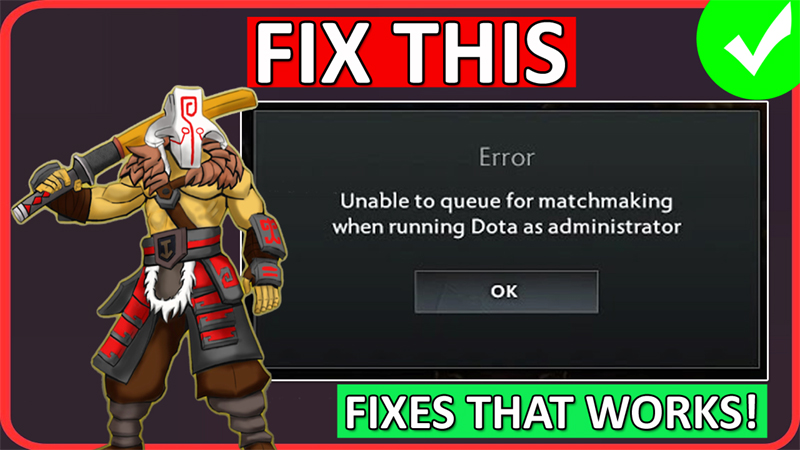
In This Article, You Will Learn How To Fix Dota 2 “Unable To Queue For Matchmaking When Running Dota as Administrator” Error.
How To Fix Unable To Queue For Matchmaking When Running Dota as Administrator In Dota 2
Fix 1. Modify Dota 2’s Compatibility Settings
- Open Steam. Go to “Library”.
- Open Steam. Right-click on “Dota 2” and click on Manage > Browse local files.
- It will open the Game Installation folder.
- Open game > bin > win64 folder.
- Right-click on “dota2.exe” file and select “Properties”.
- Go to “Compatibility” tab.
- Click on “Change settings for all users”.
- If “Run this program as an administrator” is already ticked, then untick it and then tick it.
- If it is not already ticked mark, then tick “Run this program as an administrator”, click on Apply and OK and close the tab.
- Again, click on “Change settings for all users”.
- Untick “Run this program as an administrator”, click on Apply and OK and close the tab.
- Now, launch the Dota 2 game and check problem is fixed or not.
Fix 2. Verify Dota 2 Game Files
- Open Steam. Go to “Library”.
- Open Steam. Right-click on “Dota 2” and click on Manage > Browse local files. It will open the Game Installation folder.
- Open game folder and rename bin folder to bin_old. Don’t worry, we will re-create the bin folder by verifying the files.
- Now, go back to Steam, right-click on Dota 2 and select “Properties”.
- Go to Installed Files tab and click on “Verify Integrity of game files”.
- Now go to the game installation folder and check that “bin” folder has been re-created.
- Now, go ahead and launch the game and check if the problem is fixed or not.
If you have found this post helpful, then please share it as it can help other users!
Please support us by subscribing to our YouTube Channel.
You May Also Like:
- How To Fix Baldur’s Gate 3 (BG3) Script Extender Not Working
- Fix Dota 2 Valve Anti-Cheat Was Unable To Verify That Your Machine Is Secure
- Fix Tomb Raider I-III Remastered Not Launching or Not Loading On PC
- How To Fix Dakar Desert Rally Fatal Error on PC

Max Field is a founder of Recover Android Data. He is an Android lover and loves to write tips, tricks, fixes for errors, data recovery solutions and more related to Android. Provide Gaming Tips, Tricks, Game Error/Issues Solutions (PC/Xbox/PlayStation/Mobile). He is now also interested in solving LinkedIn Puzzles. He has 12+ years of experience in this field.