
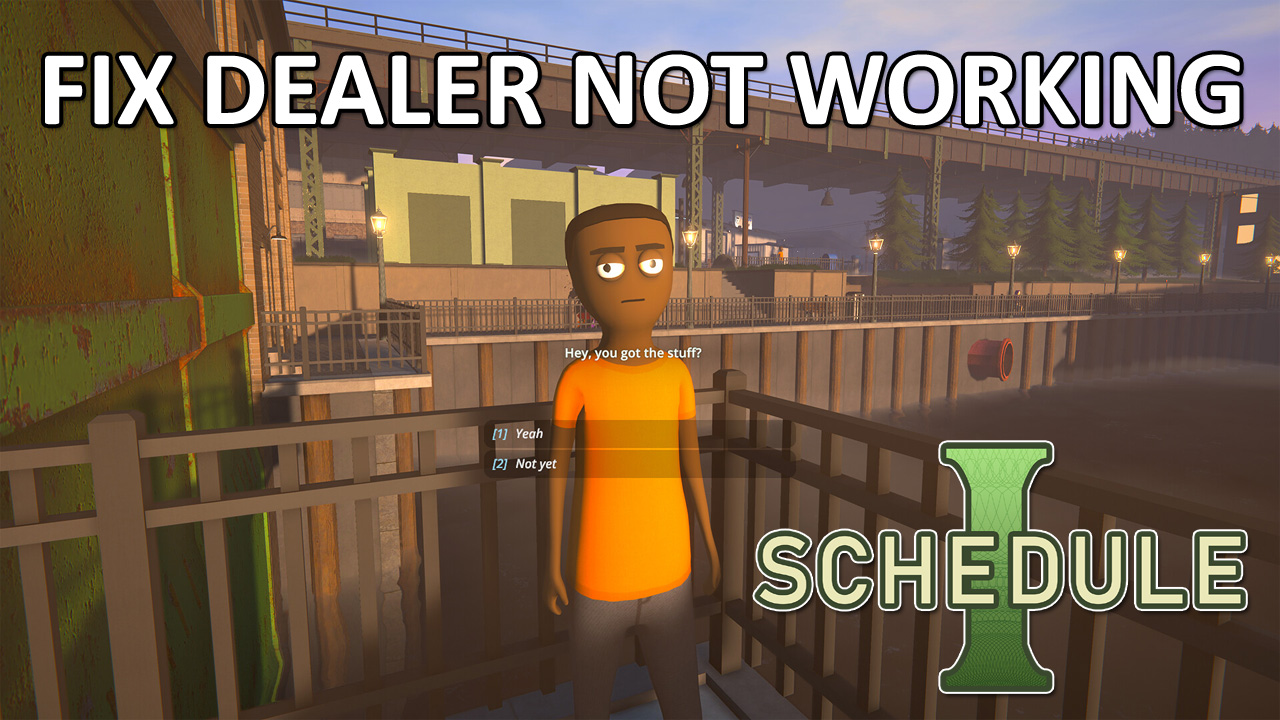
Are dealers not working in schedule I?
Schedule I is a newly released simulation game where you have to build your drug empire by using dealers.
You’ll have to provide them products, customers and they will sell the products. You have to collect cash and build your other business.
But if you misuse the dealers, they will refuse to work. I have seen many users who are complaining about, “Why my dealer Benji not working or not dealing in Schedule I?”.
So, if this sort of thing happens to you, then read this guide to learn how you can make the dealers work again.
How to Fix Dealer Not Working In Schedule I
Some things can trigger this bug, and the dealer may refuse to work, this can be due to the confusion between the dealers and you or you are not providing the correct products.
To make things clear, read the below solutions.
Fix 1: Sell Products According to the Customers
You have to assign the dealers a set of customers and sell them products according to their liking. If you are selling the customers the wrong products, they will give less money, and the dealers might take a longer period to sell those products.
Fix 2: Verify Your Dealer’s Customers and Inventory
If you are trying to sell to customers that you have already assigned to your dealer, then it may cause some sort of bug. The dealers may sell to the customers that are already being sold by you, and the loop continues.
So, to avoid this, you have to make sure not to deal with your dealer’s customers even when they text you. Just ignore the text and let the dealers do the work.
Also, make sure your dealers have enough products in their inventory; if they run out of products, just refill it.
When they run out of products, you will get a text message from them.
Fix 3: Prepare the products yourself before handing them over to dealers
As the title says, you have to prepare the products yourself before handing them over to the dealers because the AI in Schedule I is not so good, so you shouldn’t depend on it entirely.
Make sure you hand over enough products to your dealers.
Fix 4: Restart Game & Verify Files
Sometimes, dealers might refuse to work due to a glitch or bug in the game. To fix it, you can restart the game and check if the dealers start working again.
If this doesn’t work, then try verifying the game files. Here’s how you can do it.
- Head over to your Steam Library and right-click on Schedule I.
- Select Properties and go to Installed Files.
- Click on Verify integrity of game files.
Now, launch the game and check whether the bug is fixed or not.
Fix 5: Clear Steam Cache
If your Steam account has some corrupted files that are causing this bug, then you should clear the Steam download cache.
Follow the below steps to do so.
- Launch Steam, click on the Steam logo at the top left, and select Settings.
- Go to the Downloads tab and click on Clear Cache present next to “Clear Download Cache”.
Fix 6: Reinstall Schedule I
If clearing the Steam download cache doesn’t help, then you can try re-installing the game.
Save your current progress and uninstall the game, then install it again. This is how you can make the dealers work again in Schedule I.
Fix 7: Kill Your Dealer
If you have tried the above methods and the issue still exists, then the last remaining option is to kill the dealer.
This might sound crazy, but it may work for you. There are multiple ways to kill the dealer: you can knock them out, shoot them, throw them in a river, or incinerate them in a trash incinerator.
The dealers will respawn the next day, so don’t worry; they will not lose their inventory.
Conclusion
This is all we’ve got. We have covered all the possible ways to fix dealer not working in Schedule I.
If these methods work out for you, then make sure to share it with your friends, if they are struggling with the same issue.

Max Field is a founder of Recover Android Data. He is an Android lover and loves to write tips, tricks, fixes for errors, data recovery solutions and more related to Android. Provide Gaming Tips, Tricks, Game Error/Issues Solutions (PC/Xbox/PlayStation/Mobile). He is now also interested in solving LinkedIn Puzzles. He has 12+ years of experience in this field.