
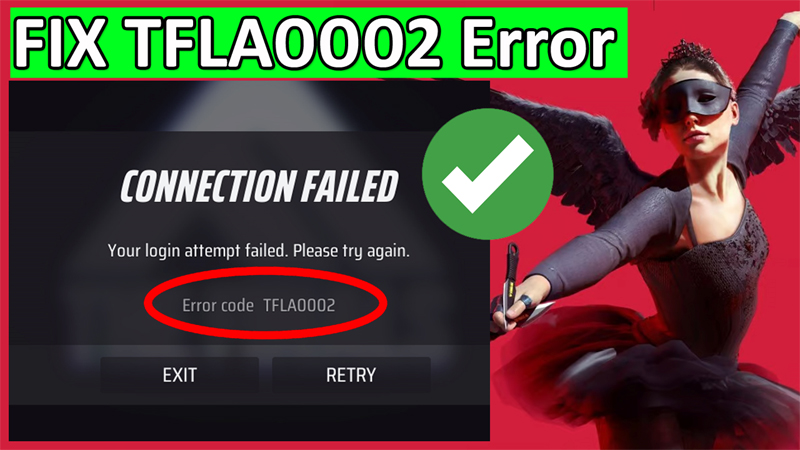
In This Video Article, You Will Learn How To Fix “Error Code TFLA0002” In The Finals on PC (2024).
The full error message is –
Connection Failed
Your login attempt failed. Please try again.
Error code TFLA0002
How To Fix Error Code TFLA0002 In The Finals on PC
Steps To Fix Error Code TFLA0002 In The Finals
This error occurs because your Embark account and Steam account are not linked.
So, here how to link the account and fix the error TFLA0002 in The Finals.
Step 1: Go to: https://id.embark.games/id/sign-in
Step 2: Click on “Steam” option.
Step 3: Login to your Steam account. And again click on “Sign In” option.
Step 4: Click on “Create a new Embark ID”.
Step 5: Enter your Date of Birth and email id.
Step 6: Verify your email id and that’s it. You have now successfully linked your Steam account and Embark account.
Tip: Unlink and Re-Link Steam and Embark Account
If the problem yet not solved, then you have to unlink and re-link the account.
To do so, click on “UNLINK”. As you see that Embark says – you will lose your game progress. But you have to do this to fix the error.
After unlinking the account, follow the same process to re-link the account.
If you have found this article helpful, then please share it as it can help other users!
You May Also Like:
- How To Fix “Connection Error” in Soul Knight Prequel
- How To Fix Fortnite “An Unexpected Error Occurred while Signing in to your Account for Xbox Live”
- How To Fix Voice Chat Not Working on Modern Warfare 3 on Xbox
- How To Fix Apex Legends Infinite Loading Screen (Spinning Circle)

Max Field is a founder of Recover Android Data. He is an Android lover and loves to write tips, tricks, fixes for errors, data recovery solutions and more related to Android. Provide Gaming Tips, Tricks, Game Error/Issues Solutions (PC/Xbox/PlayStation/Mobile). He is now also interested in solving LinkedIn Puzzles. He has 12+ years of experience in this field.