
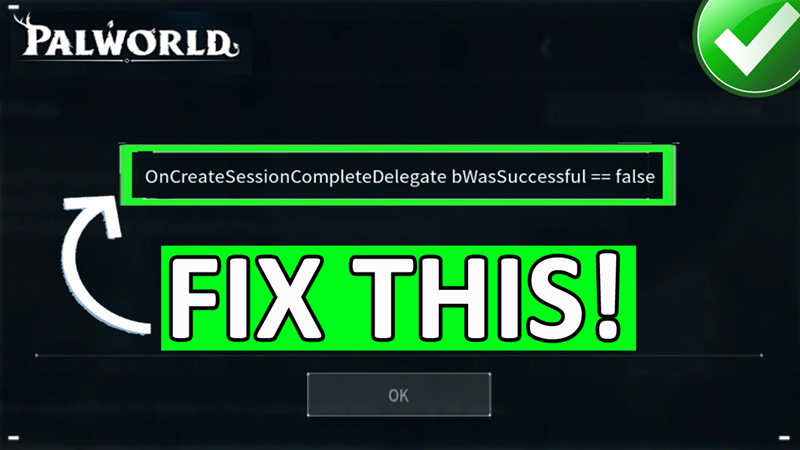
In This Article, You Will Learn How To Fix “OncreateSessionCompleteDelegate bWasSuccessful == false” In Palworld on PC.
How To Fix “OncreateSessionCompleteDelegate bWasSuccessful == false” In Palworld on PC
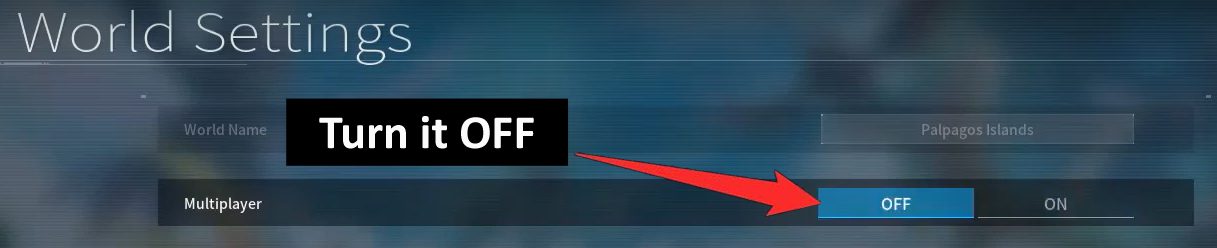
Fix 1. Disable Multiplayer
- Launch Palworld and navigate to World Select menu.
- Select the World that you like to play.
- Click on “Change World Settings”.
- Turn OFF Multiplayer, click OK and then Confirm.
- Now, start the game and check.
Fix 2. Verify Palworld Game Files
- Open Steam and go to Library.
- Right-click on Palworld and select “Properties”.
- Go to “Installed” tab and then click on “Verify integrity of game files”.
Fix 3. Keep Clicking On Start Game
- Close the error pop-up message “OncreateSessionCompleteDelegate bWasSuccessful == false”.
- Click on “Start Game”, if you get the error message again. Close it again.
- Repeat this process until the game starts.
If you have found this post helpful, then please share it as it can help other users!
Please support us by subscribing to our YouTube Channel.
You May Also Like:
- How To Fix “Session Search Error OnFindSessionsComplete bWasSuccessful == false” In Palworld
- How To Fix Palworld Can’t Connect To Dedicated Server
- How To Fix Palworld Not Loading/Stuck On Loading Screen on PC
- How To Fix Black Screen on Launch In Palworld

Max Field is a founder of Recover Android Data. He is an Android lover and loves to write tips, tricks, fixes for errors, data recovery solutions and more related to Android. Provide Gaming Tips, Tricks, Game Error/Issues Solutions (PC/Xbox/PlayStation/Mobile). He is now also interested in solving LinkedIn Puzzles. He has 12+ years of experience in this field.