
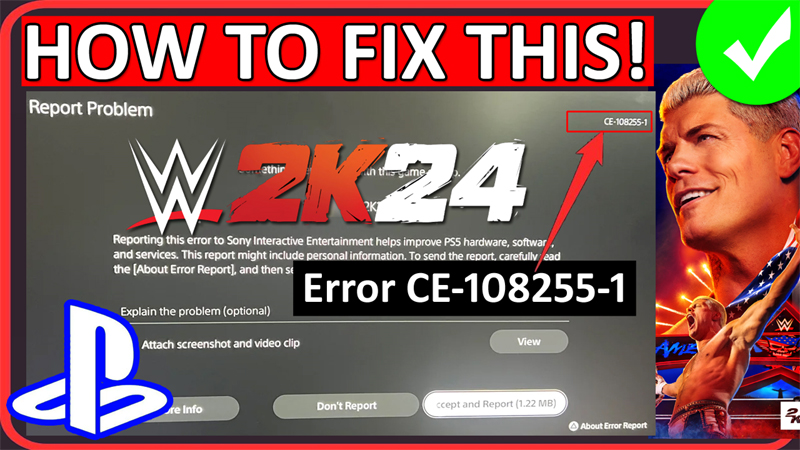
In This Article, You Will Learn How To Fix WWE 2K24 Error CE-108255-1 on PS5.
Note: The same fixes can be applied to fix WWE 2K24 Crashing on PS5.
How To Fix WWE 2K24 Error Code CE-108255-1 on PS5
Fix 1: Restart Your PS5
- Press and hold Power button on the console and select “Power off”.
- Unplug all the wires.
- Wait for a few seconds and press the Power button again. It will remove any remaining power and will clear your system cache.
- Now, plug-in all the wires and turn on your PlayStation and check if the error is fixed or not.
Fix 2: Switch Internet Connection
- If you are connected to Wi-Fi then connect to mobile data via hotspot.
- If you are connected to mobile hotspot then connect to Wi-Fi.
Also, you can connect to other Wi-Fi network and check.
Fix 3: Logout and Login
- Logout from your PlayStation Network account. Go to Settings > Users and Accounts > Other > Sign Out.
- Wait for few minutes and then login back.
Tip: If you have another (secondary) account then login with that and check if that works.
Fix 4: Disable HDCP
- Go to PS5 Settings.
- Select System and then choose HDMI
- Turn off “Enable HDCP”
Fix 5: Rebuild Database on PS5
- Power off your PS5. But don’t unplug it from wall.
- Press and hold power button on your console until you hear two beep sound then release the button. Your console will boot into Safe Mode.
- Now, connect your controller to your console with the use of USB cable and then press PS button.
- Use the D-pad to scroll down and select Clear Cache and Rebuild Database.
- Next, select Rebuild Database > OK.
Launch WWE 2K24 and check if the problem is solved.
Fix 6: Update System Software on PS5
- Go to PS5 Settings > System.
- Select System Software > System Software Update and Settings.
- Select Update System Software to update, if any updates appear.
Fix 7: Uninstall and Re-Install WWE 2K24
- On your PS5 Home screen, go to Settings.
- Navigate to Storage > Console storage > Games and Apps.
- Highlight the WWE 2K24 and select Delete to remove the game from your system.
Once deleted, now re-install the WWE 2K24 and check error is fixed or not.
Fix 8: Reset Your PS5 Console.
Note: Please back up your game data first.
- Go to PS5 Settings > System > System Software > Reset Options > Reset Your Console.
- Re-install the WWE 2K24 game again.
- Then launch the game and see if it resolves the issue.
Fix 9: Contact PlayStation Support
If all fixes fail, then it is time to contact PlayStation Support for further help.
If you have found this post helpful, then please share it as it can help other users!
Please support us by subscribing to our YouTube Channel.
You May Also Like:
- How To Fix Helldivers 2 Servers At Capacity Error (PC & PS5)
- Fix Dota 2 Valve Anti-Cheat Was Unable To Verify That Your Machine Is Secure
- How To Fix Last Epoch Stuck on Connecting and Cannot Login
- How To Fix WWE 2K24 Error Code CE-108255-1 on PS5

Max Field is a founder of Recover Android Data. He is an Android lover and loves to write tips, tricks, fixes for errors, data recovery solutions and more related to Android. Provide Gaming Tips, Tricks, Game Error/Issues Solutions (PC/Xbox/PlayStation/Mobile). He is now also interested in solving LinkedIn Puzzles. He has 12+ years of experience in this field.