
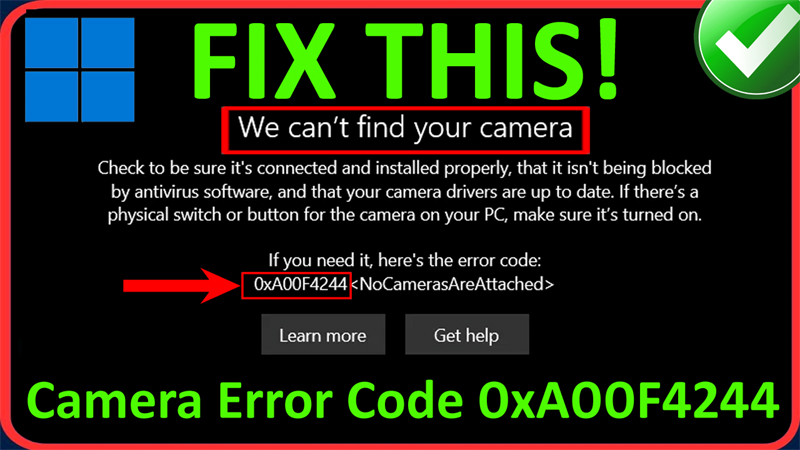
In This Article, You Will Learn How To Fix We Can’t Find Your Camera Error Code 0xa00f4244 On Windows 11/10. How To Fix Error Code 0xa00f4244 <NoCamerasAreAttached>on PC.
How To Fix We Can’t Find Your Camera Error Code 0xA00F4244 on Windows 11/10
Fix 1. Uninstall and Re-Install Camera Device
- In The Windows Search type “Device Manager” and open it.
- Click on Cameras and right click on device and click Uninstall.
- Again, click on “Uninstall” to confirm.
- Now click on “Action” from top menu and select “Scan for hardware changes”.
- This will re-install the camera device.
- Now, check if your problem is solved or not.
Fix 2. Fix Camera Error Code 0xa00f4244 via Regedit Editor
- Press Window + R to open “Run” box.
- In the Run box, type “regedit” and hit ENTER.
- Click “Yes” to confirm and open Registry Editor.
- Expand HKEY_LOCAL_MACHINE and then click on “SOFTWARE”.
- Then click on “Microsoft” and then we need to find “Windows Media Foundation” and click on it.
- Then on the right-side, right-click on white area and select “NEW > DWORD (32-bit) Value”.
- Now, rename the name of this newly created DWORD file as “EnableFrameServerMode”. Please note, the capital letters should be in capital.
- Now, right-click on EnableFrameServerMode file and set the value data to 0 (zero).
- Click OK and close the tab.
- Now, check if your camera is working or not.
If you have found this post helpful, then please share it as it can help other users!
Please support us by subscribing to our YouTube Channel.
You May Also Like:
- How To Fix Instagram Not Showing Camera Roll Photos
- How To Turn off Camera Sound on Google Pixel [EASY STEPS]
- Snapchat Camera Zoomed In? Here’s How To Fix
- Fix Picture/Video Distortion Issue From A Samsung Phone’s Camera

Max Field is a founder of Recover Android Data. He is an Android lover and loves to write tips, tricks, fixes for errors, data recovery solutions and more related to Android. Provide Gaming Tips, Tricks, Game Error/Issues Solutions (PC/Xbox/PlayStation/Mobile). He is now also interested in solving LinkedIn Puzzles. He has 12+ years of experience in this field.