
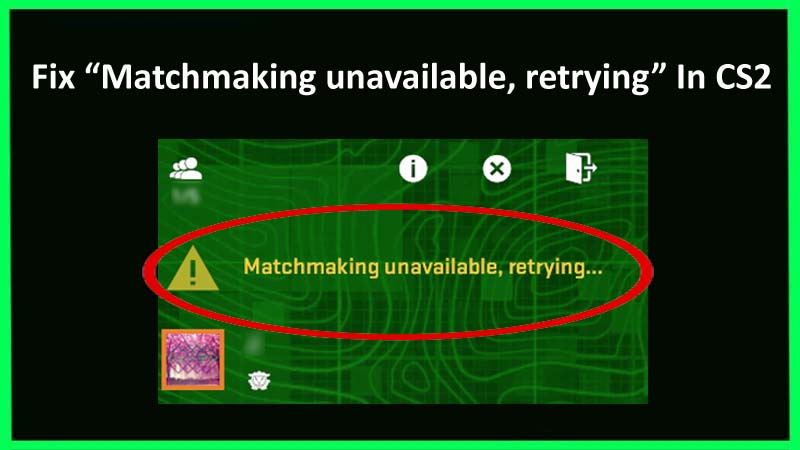
Struggling with error message “Matchmaking unavailable, retrying…” in Counter-Strike 2? If yes, then you don’t need to worry as this guide is here to help you. In this tutorial, you will learn why matchmaking is unavailable in CS2 and how to fix “Matchmaking unavailable, retrying” error in CS2.
Before we begin the solutions to fix this error, you should first know why matchmaking is unavailable in Counter-Strike 2.
Reasons: Why “Matchmaking unavailable, retrying” Error Occurs In CS2?
There are some reasons due to why you receive this error prompt while playing the CS2 game.
They include:
- If the Counter-Strike 2 (CS2) server is down.
- If someone doesn’t accept the match then also you will encounter this error.
- Poor or unstable network connections can prevent you from matchmaking.
So, these are the main reasons behind the CS2 matchmaking unavailable error.
Now, without wasting time let’s dig into the solutions.
How To Fix Error “Matchmaking unavailable, retrying…” In CS2
Way 1: Check Counter Strike 2 Server Status
- Go to https://steamstat.us/.
- Then check Counter Strike 2 game status (Sessions, API, Matchmaking, Inventories).
- If you find one or more statuses are offline then it means that CS2 server is down.
- Now, you need to wait until the CS2 server is up.
Way 2: Reset Your Internet Connection
- Exit CS2, using Windows Search enter “cmd” and press Enter button.
- Then enter “ipconfig /flushdns” and press Enter button.
- Close the command prompt.
- Now, open CS2 and try to find a match.
Way 3: Wait For A Few Minutes
There are some situations where you need to wait for a few minutes when you receive this error. They include:
- Many times, the “Matchmaking unavailable, retrying” error occurs when someone is unable to connect to the match or doesn’t accept it. In this case, you need to wait for a few minutes and the game will begin matchmaking you with other players.
- If you have waited for more than 6 minutes but the error is not gone then it means that Counter Strike 2 game might be down.
Way 4:Try Using VPN
- Go to https://one.one.one.one/ and choose “Windows”.
- Next, run the Cloudflare WARP installation wizard.
- Now, run Cloudflare WARP and enable it.
- Again, launch CS2 and try to find the match.
Note: You should disconnect from a VPN, if you have already connected to it and then try to find the match.
Final Word
We hope the methods we have provided above will help you to fix “Matchmaking unavailable, retrying” error in CS2. Besides this, you have also become familiar with the reasons why you are unable to find the match in Counter-Strike 2 (CS2).
You May Also Like:
- How To Fix CS2 Packet Loss Problem After Update (2024)
- How To Fix CS2 Skins Not Showing In Game (2024)
- How To Fix Counter Strike 2 (CS2) Decode Error
- How To Fix Marvel Rivals DirectX 12 Not Supported Error

Max Field is a founder of Recover Android Data. He is an Android lover and loves to write tips, tricks, fixes for errors, data recovery solutions and more related to Android. Provide Gaming Tips, Tricks, Game Error/Issues Solutions (PC/Xbox/PlayStation/Mobile). He is now also interested in solving LinkedIn Puzzles. He has 12+ years of experience in this field.