
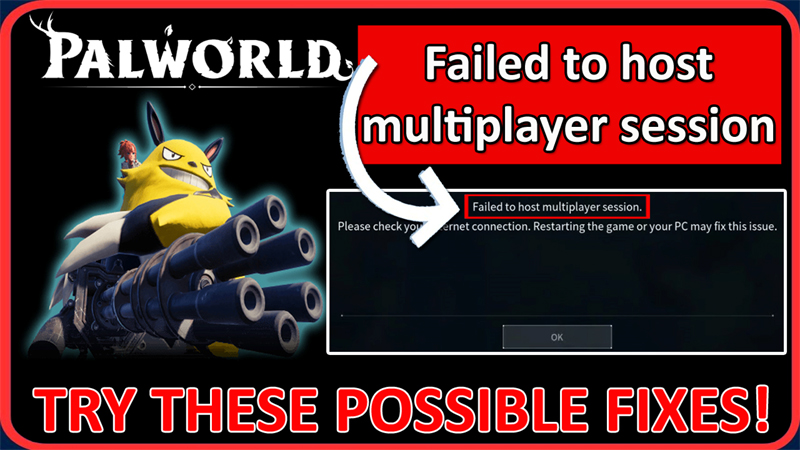
In This Article, You Will Learn How To Fix Palworld “Failed to host multiplayer session” Error.
How To Fix Palworld Error “Failed to host multiplayer session”
Fix 1 Disable/Enable Multiplayer
- Launch Palworld and navigate to World Select
- Select the World that you like to play.
- Click on “Change World Settings”.
- Turn OFF Multiplayer, click OK and then
- Now, restart the game go to “Change World Settings” and Turn ON Multiplayer
- Now, check if multiplayer is working or not.
- If it does not work in the first attempt, then try it 2-3 times.
Fix 2. Enable Network Discovery Option
- Click on Windows icon and click on Settings.
- On the left click on “Network & internet” and then click on “Advanced network settings”.
- Click on “Advanced sharing settings” under More settings.
- Turn on “Network Discovery”. Tell, your friends to do the same.
- Now, check if your issue is fixed or not.
Fix 3. Restart Your Palworld Game
- Another quick fix is to restart your game.
- Completely close the game and game launcher from Task Manager.
- Restart your PC.
- Then open the game launcher and launch Palworld and then try.
Fix 4. Try Hosting Multiple Times
As per some players, it has been reported that trying repeatedly to host your multiplayer session will eventually connect and be allowed by the server.
This is because resources fluctuate under load.
Fix 5. Try To Play At Off-Peak Hours
As per Pocket Pair official announcement: “Our server provider is reporting that due to the large amount of concurrent players, the servers have become unstable and you may be experiencing issues connecting to servers.”
So, try to play at off-peak hours particularly late at night or early in the morning.
Fix 6. Check Palworld Server Status
- Go to the official Palworld server status page: https://palworld.statuspage.io/
- Or go to: https://twitter.com/Palworld_EN
- If you find that their server is down or having an outage, then you have to wait until the server issue gets fixed.
If you have found this post helpful, then please share it as it can help other users!
Please support us by subscribing to our YouTube Channel.
You May Also Like:
- How To Fix Palworld Memory Leak Issue
- How To Fix “Your device cannot be used to host multiplayer matches” in Palworld
- How To Fix “OncreateSessionCompleteDelegate bWasSuccessful == false” In Palworld
- How To Fix Palworld Can’t Connect To Dedicated Server

Max Field is a founder of Recover Android Data. He is an Android lover and loves to write tips, tricks, fixes for errors, data recovery solutions and more related to Android. Provide Gaming Tips, Tricks, Game Error/Issues Solutions (PC/Xbox/PlayStation/Mobile). He is now also interested in solving LinkedIn Puzzles. He has 12+ years of experience in this field.