
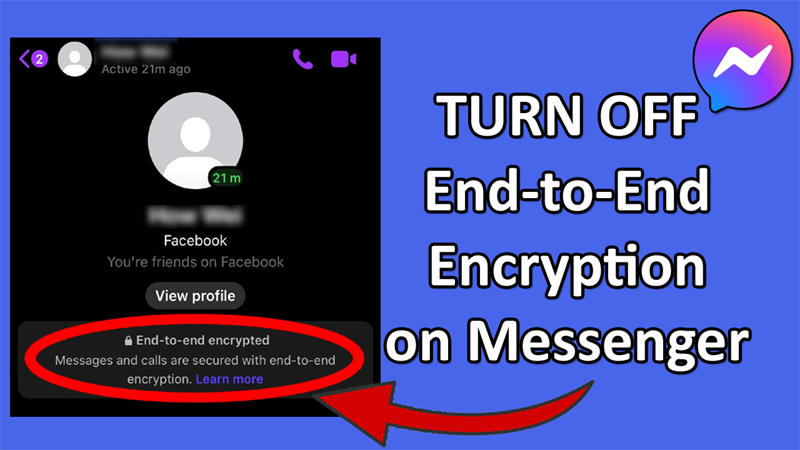
Do you want to turn off end-to-end encryption in your Messenger?
Are you wondering how to disable encryption and send normal messages in the Messenger app?
If “Yes”, then you have landed on the right web page.
In this article, you will learn how to turn off end to end encryption on Messenger.
What Is End To End Encryption?
End to end encryption on Messenger gives an extra layer of security to your messages and calls.
Your chat and calls are protected when they leaves your device and reaches to the recipient’s device.
In other words, nobody can see or listen to your conversation or calls to what’s sent or received except for you and the rectifier.
In Facebook Messenger, this feature is called “Secret Conversation”.
Anyway, coming back to the topic below follow the steps to quickly turn off end-to-end encryption in Messenger on Android/iPhone.
Also Read: Turn OFF Facebook “Suggested For You” Posts On Android, iPhone
Steps To Turn Off End to End Encryption on Messenger
You have to open a regular chat with the user on Facebook app and not on Messenger app.
Step 1: Open the Facebook app and tap on the search icon.

Step 2: Search for the user that you want to turn off the end-to-end encryption with.
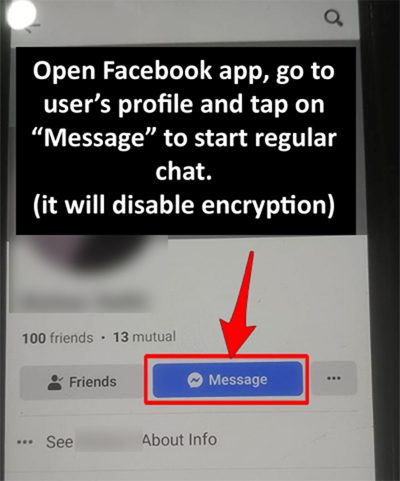
Step 3: Tap on the “Message” button to open a normal chat with them on Messenger.
Step 4: Type and send them a message.
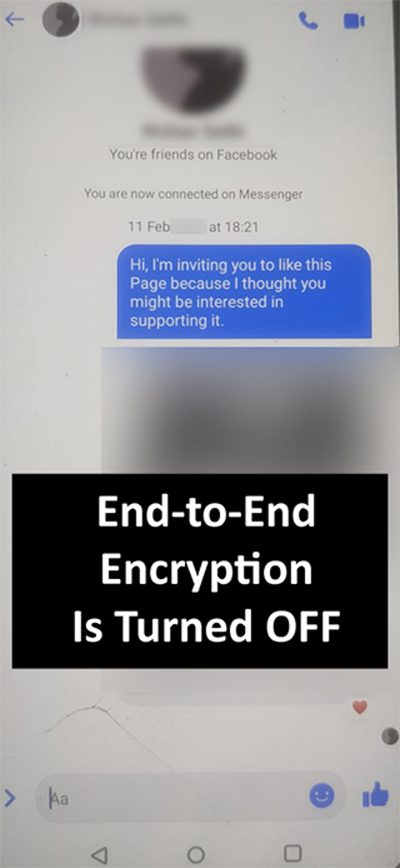
That’s All!
However, in a few cases, you may see two Messenger conversations with the user.
You will observe that one conversation is end-to-end encrypted while the other conversation is a regular chat.
Wrap Up
So, those were the quick steps to turn off end-to-end encryption in Messenger and send messages.
If you have found this post helpful, then please share it as it can help other users!
Please support us by subscribing to our YouTube Channel.
You May Also Like:
- How To Fix Messenger Bubble/Chat Head Not Showing
- How To Fix “Unfortunately, Messenger Has Stopped” Error on Android
- If An Error Says “This Person Is Unavailable On Messenger”
- How To Fix Facebook Back Button Not Working

Max Field is a founder of Recover Android Data. He is an Android lover and loves to write tips, tricks, fixes for errors, data recovery solutions and more related to Android. Provide Gaming Tips, Tricks, Game Error/Issues Solutions (PC/Xbox/PlayStation/Mobile). He is now also interested in solving LinkedIn Puzzles. He has 12+ years of experience in this field.