
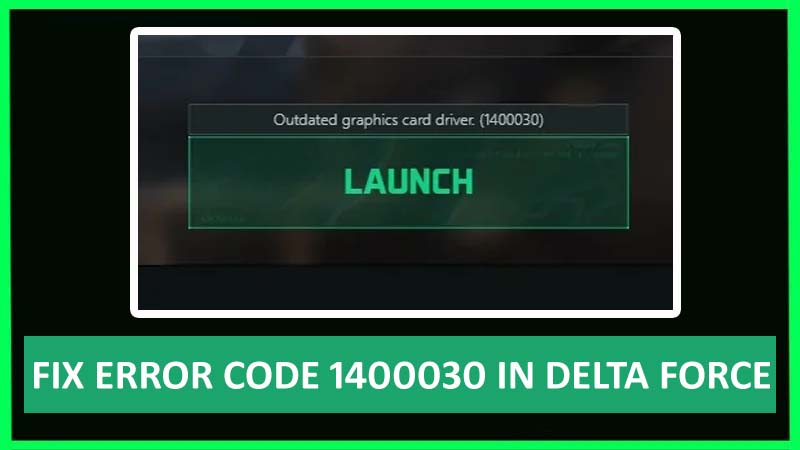
Are you getting error code 1400030 in Delta Force? If yes, and due to this error you are unable to play the game then don’t worry. As this guide is going to teach you how to fix outdated graphics card driver (1400030) in Delta Force.
How To Fix An Outdated Graphics Card Driver In Delta Force (Error Code 1400030)
Delta Force is a free-to-play first-person tactical shooter game with upgraded weapons in a dynamic world.
However, some users are facing outdated graphic card driver issues.
If you are also facing the same problem then to fix outdated graphics card driver error in Delta Force you need to update your graphics card.
Here are the steps to update your Graphics Card Driver to fix error 1400030 in Delta Force:
For AMD Graphics Card:
If you have an AMD graphics card then follow the below steps to update it:
- Go to – https://www.amd.com/en/support.
- After this, click on the Download button to download it.
- Next, open the app.
- Now, follow the on-screen steps to update your graphics card.
For Nvidia Graphics Card:
If you have a Nvidia graphics card, then follow the below steps to update it:
- Go to – https://www.nvidia.com/en-us/geforce/geforce-experience/download/.
- After this, hit on Download Now button.
- Next, open the app.
- Now, you need to log in to it.
- Then tap on Drivers.
- At last, hit on Download.
After updating your graphics card, launch the game and check whether the error 1400030 is solved or not.
If still the error message is not solved, then it means that your graphics card might be too old and that’s why it is not supporting the game.
The minimum requirement to run the Delta Force game is an AMD HD 7870, Nvidia Geforce GTX 660, or Intel Arc A380.
Wrap Up
No user wants any issue while playing the game as it irritates them. If you are also playing the Delta Force game and unable to play it properly due to error message code 1400030 then follow the above-listed steps to know how to update graphics card driver (1400030) in Delta Force.
You May Also Like:
- How To Fix WWE 2K24 Error Code CE-108255-1 on PS5
- How To Fix Helldivers 2 Login Limit Reached Error [PC & PS5]
- How To Fix “Content not accessible” In Roblox
- Fix Minecraft “We could not connect to Realms right now” Error

Max Field is a founder of Recover Android Data. He is an Android lover and loves to write tips, tricks, fixes for errors, data recovery solutions and more related to Android. Provide Gaming Tips, Tricks, Game Error/Issues Solutions (PC/Xbox/PlayStation/Mobile). He is now also interested in solving LinkedIn Puzzles. He has 12+ years of experience in this field.