
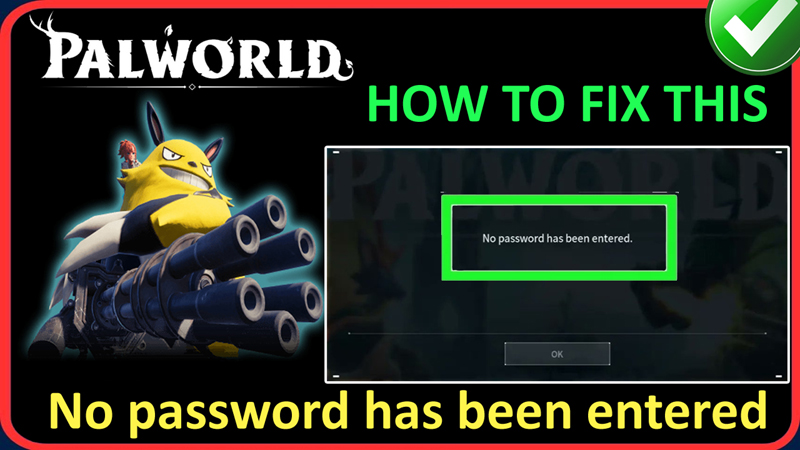
In This Article, You Will Learn How To Fix “No password has been entered” Error In Palworld.
Steps To Fix “No password has been entered” Error In Palworld
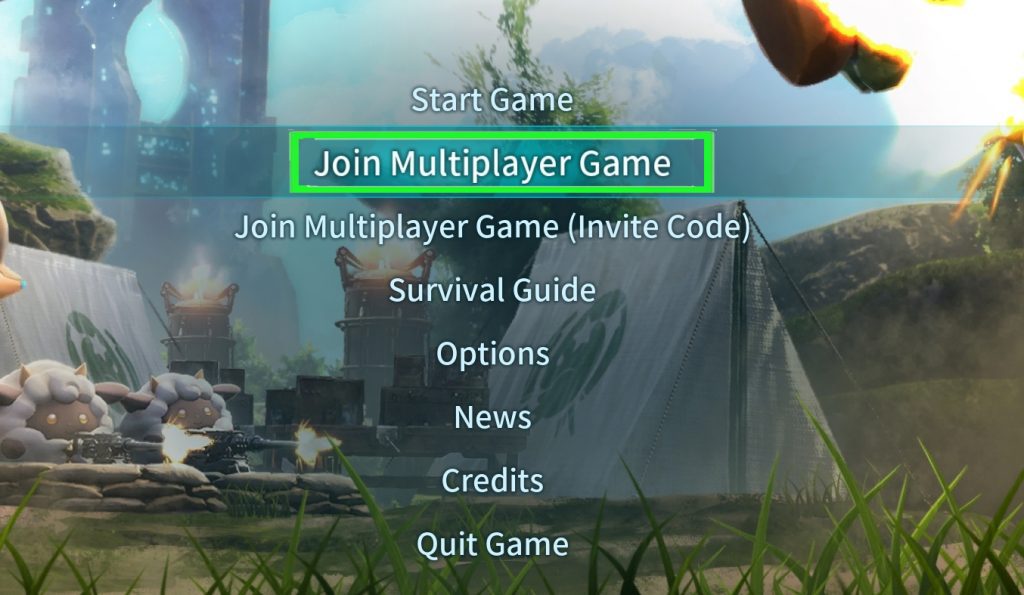
Step 1: Launch Palworld and click on “Join Multiplayer Game” option.
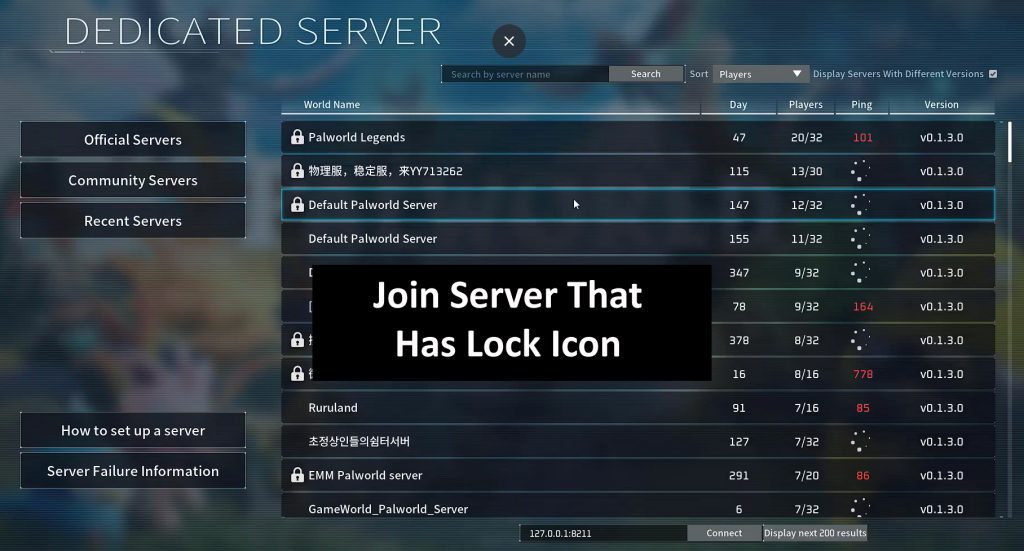
Step 2: Click on “Community Servers” and join any random server that has a lock.
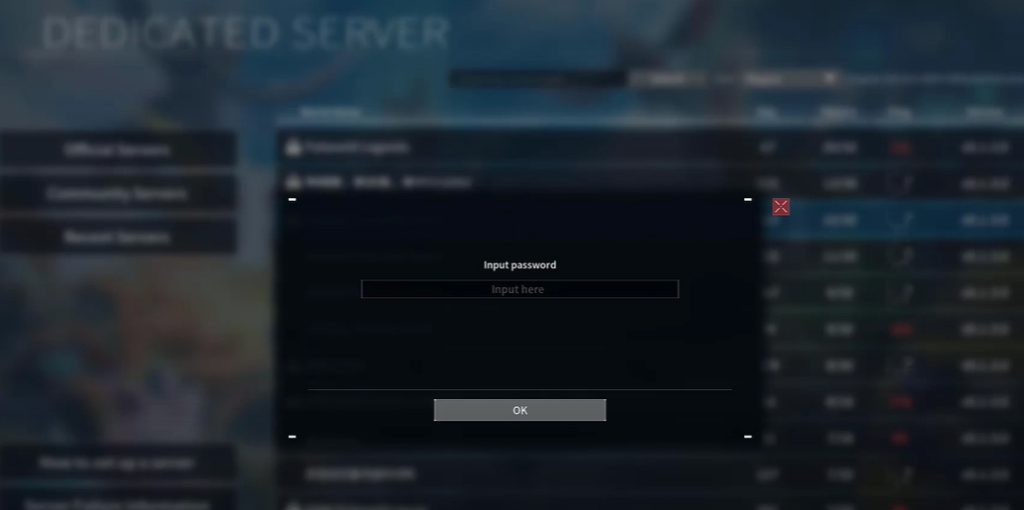
Step 3: Enter the password for that server. Type any password that you will use to login to your private server and click on “OK”.
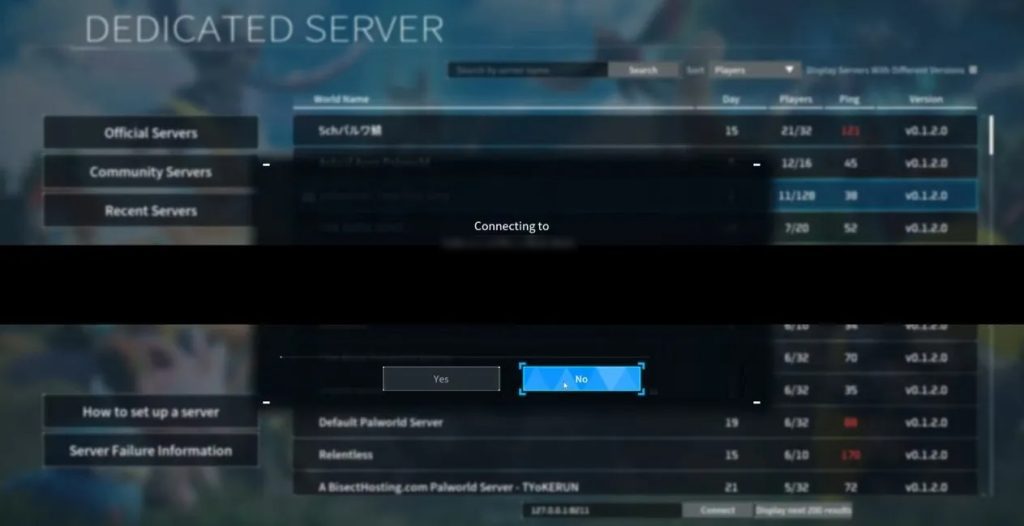
Step 4: Click on “No”, when asked if you want to connect.
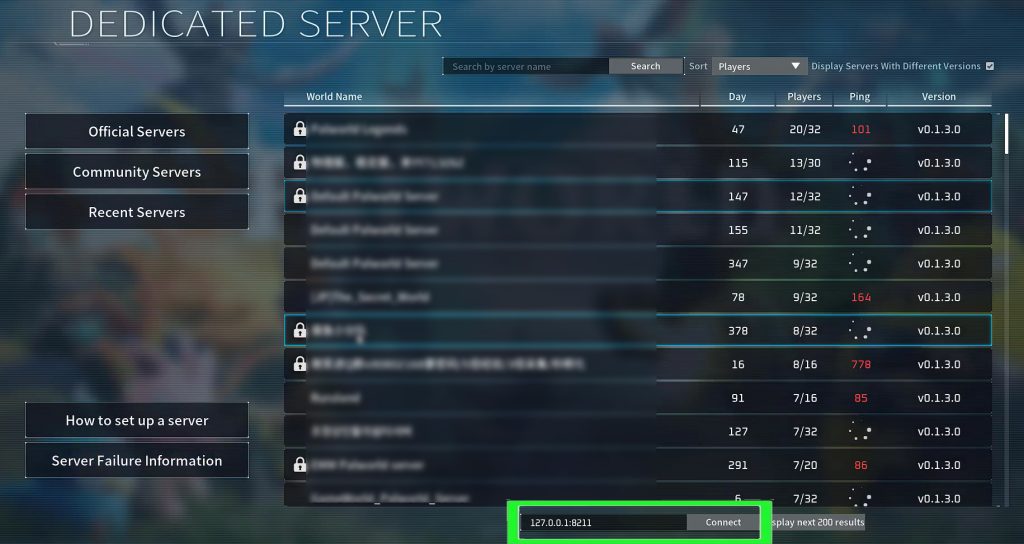
Step 5: Now, go ahead and connect to the IP address for the server using the IP field at the bottom.
If you have found this post helpful, then please share it as it can help other users!
Please support us by subscribing to our YouTube Channel.
You May Also Like:
- How To Fix World Saving InProgress Cannot Start Save World Data In Palworld
- How To Fix Palworld Server Not Showing In Community List
- How To Fix “Your device cannot be used to host multiplayer matches” in Palworld
- How To Fix Palworld Error “Failed to host multiplayer session”

Max Field is a founder of Recover Android Data. He is an Android lover and loves to write tips, tricks, fixes for errors, data recovery solutions and more related to Android. Provide Gaming Tips, Tricks, Game Error/Issues Solutions (PC/Xbox/PlayStation/Mobile). He is now also interested in solving LinkedIn Puzzles. He has 12+ years of experience in this field.