Are you wondering how to see or view saved passwords on Samsung pass? No Worry! In this post, you will easily learn the steps to see/view saved passwords on Samsung pass.

Are you wondering how to see or view saved passwords on Samsung pass? No Worry! In this post, you will easily learn the steps to see/view saved passwords on Samsung pass.

Overview: Airplane mode is a useful feature that let you disable all other features that can disrupt flight communication. But after enabling it some Samsung users are reporting that they are unable to turn it off. Well, you don’t have to panic as you can fix this problem by applying some methods. Here, I have discussed different ways to fix Samsung phone stuck on Android mode.

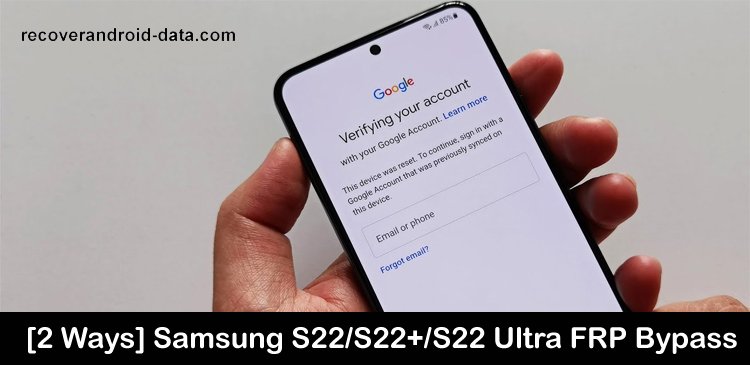
Samsung Galaxy S22 series phone has powerful features including an FRP system. To bypass FRP (Factory Reset Protection) you need to enter the Google account details and if you forget them then you can’t access your device.
So, if you have also turned on FRP on your Samsung Galaxy device and you forget the Google account details and due to this you are unable to unlock FRP then don’t worry. Simply read this guide, here you will learn how to bypass FRP on Samsung Galaxy S22/S22+/S22 Ultra.

Is your Emoji Keyboard disappeared on your Samsung phone? They aren’t showing up in your text message anymore? Are you wondering why your emoji disappeared on your Samsung device?
Well, you are not alone. There are many Samsung users experiencing this issue.
So, in this post, I am going to share some tips that will help you to fix Emoji keyboard missing/disappeared on Samsung phones or tablets.

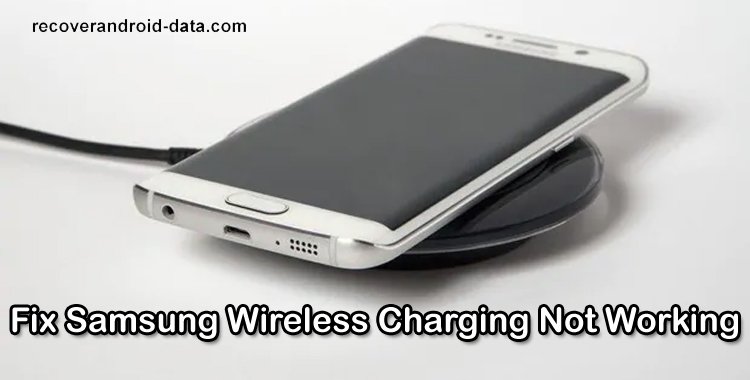
Your smartphone is very important for both professional and personal life and to run it your device needs battery life. In this time of technology, there are many accessories such as the wireless charger used for charging. It provides convenience for its users as you need to just lay down your phone on the surface to charge.
But this convenience sometimes turns into a nightmare when you realize that your phone is not charging with a wireless charger. If this is happening with you then here learn some different ways to fix wireless charging not working on Samsung phones.

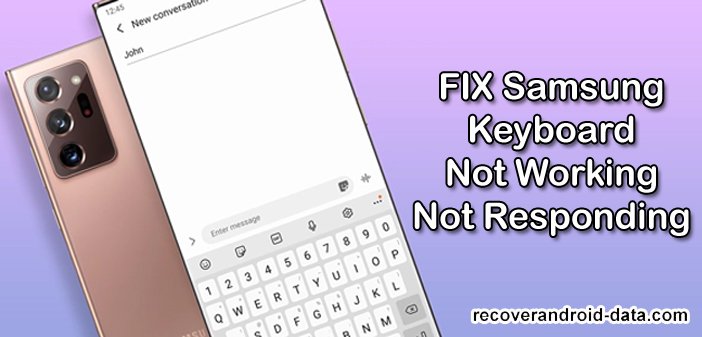
Are you trying to type messages but you are unable to do it because your Samsung Keyboard is not working or not responding. You tried several times but every time you get failed and now you get irritated and want to fix it as soon as possible. Don’t Worry! We are here to help you in the same. In this troubleshooting guide, you will learn different solutions to fix Samsung Keyboard not working/not responding properly.

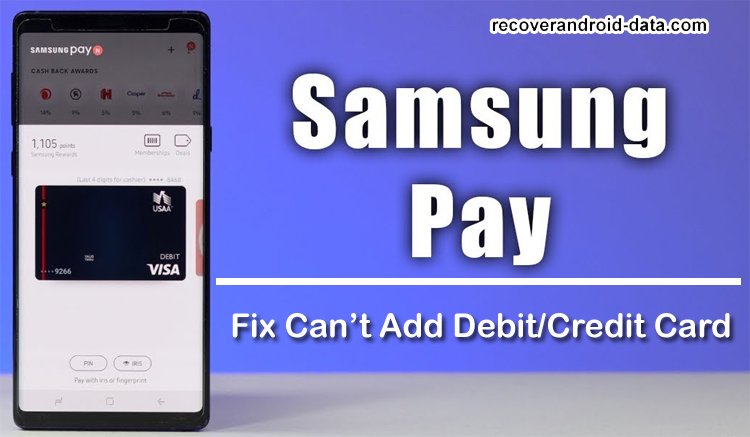
Samsung Pay allows its users to add their cards (debit or credit card) and do payments from their Samsung phones or tablets. But, many users also have some major problems with Samsung Pay as it doesn’t allow users to add their cards. It becomes the most annoying problem that can ruin your shopping plans or make business expense payments in times of emergency.

Overview: Galaxy Buds Pro is one of the premium categories of wireless bugs that gives a great sound experience. However, there are many users who are facing connectivity issues while pairing the earbuds with the device. So, if you are also encountering the same problem then just follow this guide to fix Galaxy Buds Pro pairing issue.

Samsung Galaxy devices are one of the famous and mostly used smartphones worldwide. Its features are great which attracts the users and they like it. However, there are some users who are complaining about the “camera failed” error while using the camera app on their Samsung phones. They suddenly get the error message that says “Warning: Camera Failed” with only the “OK” option.
When you tap on “OK” then your camera app gets closed and the camera gets failed. We know it is a very sad moment. Thus, here are different methods to repair “Camera Failed” error on Samsung.

Have you encountered an error message “Firmware upgrade encountered an issue? Please select recovery mode in Kies & try again.” while trying to upgrade, root, or downgrade your Samsung using Odin/Kies?
If so, then don’t panic. In this in-depth guide, I will let you know how to solve “Firmware upgrade encountered an issue” on Samsung.