
Is your YouTube ReVanced not working, not loading, showing connection error, keeps stopping, keeps buffering or stopped playing videos?
If so, then in this article, you are going to learn on how to fix YouTube ReVanced not working problem.

Is your YouTube ReVanced not working, not loading, showing connection error, keeps stopping, keeps buffering or stopped playing videos?
If so, then in this article, you are going to learn on how to fix YouTube ReVanced not working problem.
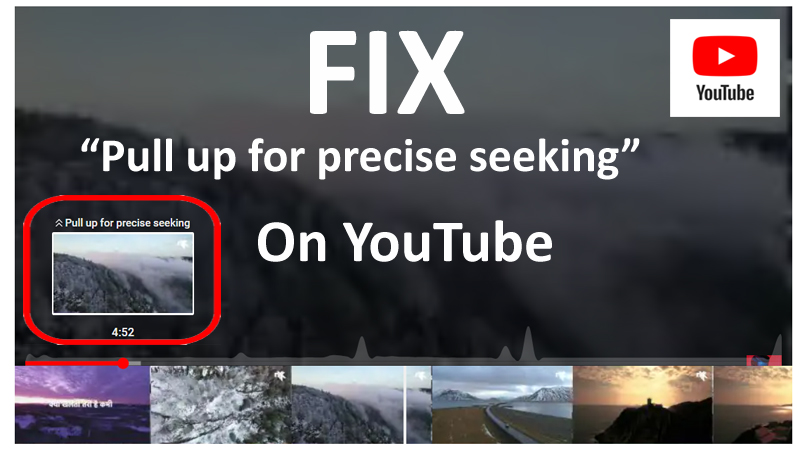
Overview: Are you getting “Pull up for precise seeking” while watching video on YouTube? Want to know what is YouTube pull up for precise seeking and how to get rid of it? If “Yes”, then this post is for you. In this article, you will know – What is pull up for precise seeking on YouTube and how to fix it?

Overview: Have you ever got troubled with YouTube reused content policy (earlier known as duplication of content)? If your channel got rejected or suspended and got demonetized due to “Reused content” or if you are looking to avoid the duplication of content from happening in future, then this article is for you. Just be with us till the end.

Overview: If you are a beginner looking to live stream and are surprised to know what is YouTube live dashboard? Streaming live for the first time might get you a little nervous as well as it will give you a little adrenaline rush. And for that reason, we are here to help you out with the following. So, without wasting any more time, let’s start with What is YouTube live dashboard.

Overview: While watching videos on YouTube Vanced app, are you getting the error message saying “The following content is not available on this app. Watch on the Latest Version of YouTube”. Don’t worry. If you are getting the error message, then follow the solutions mentioned in this article to fix YouTube Vanced “Content Not Available” error message.

Overview: Is your YouTube Vanced stopped working? Don’t worry! In this post, we will know – Why YouTube Vanced is not working? And the potential workarounds that will surely help you to fix YouTube Vanced Not Working on Android.

Overview: Is your YouTube app crashing? Are you getting an error message stating YouTube crashed? If “Yes”, then you landed here on the right page. Here you will learn the solutions to fix YouTube Keeps crashing on Android.

If you are also frustrated with the issue of YouTube Music keeps pausing?
Well, you are not the only one, there are lot of users facing the same problem.
Just like the other apps, it also has its own bugs and glitches that you can fix it by doing troubleshooting.

YouTube Music is a music streaming service that allows users to listen songs and music videos based on playlists, genres, and recommendations.
There are some Android users who want to play mp3, story, etc. in background without upgrading as YouTube Music doesn’t allow you to play music in the background without a premium plan. But, there are some ways that you can use to play YouTube Music in background without premium subscription.
So, let us directly go to the solutions to play YouTube Music in background without premium.

YouTube is one of the largest online video platform in the Globe. If we talk Android phone, then as per Play Store more than 5 billion users are using YouTube app on their Android phone.
But what would you do if you see that YouTube is not working on your Android phone.
Many users complained that they are getting the error message “Unfortunately, YouTube has stopped” on their Android phone.