
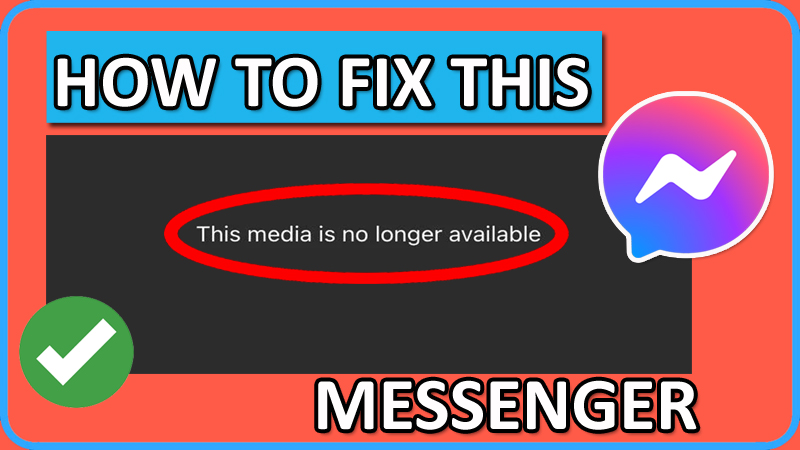
In This Article, You Will Learn How To Fix “This media is no longer available” on Messenger on iPhone or Android.
How To Fix “This media is no longer available” on Messenger
Fix 1. Uninstall and Reinstall Messenger App
Note: Your messages will not get deleted, when you uninstall and re-install it. Just log in to your account and all your messages will be back.
- Tap and hold the Messenger app and then tap on “Uninstall/Delete” option.
- Now, open the Google Play Store/App Store.
- Search for Messenger and tap on “Install”.
- Open the app and log in to your account.
- Now, open the existing chat and try to view the video/photo.
Fix 2. Clear Messenger App’s Cache and Data
On iOS:
- Go to Settings > General > iPhone Storage.
- Select Messenger.
- Tap on “Offload App” and select “Reinstall App”.
On Android:
- Go to Settings > Apps > All Apps.
- Look for Messenger app and tap on it.
- Tap “Storage”.
- Tap on “Clear Cache” and “Clear Data”.
Fix 3. Try Messenger Desktop App
- On your computer, download the Messenger desktop app from here: https://www.messenger.com/desktop
- Launch the app and log in to your account.
- Open the chat and try to view a photo or video.
Fix 4. Download Older Version of Messenger (Only For Android)
- First, uninstall the Messenger app.
- Go to: https://facebook-messenger.en.uptodown.com/android
- Click on Older Version and download an older version of Messenger APK.
- Install the app and open it. Login to your account. Try to view photo/video.
If you have found this article helpful, then please share it as it can help others!
Please support us by subscribing to our YouTube Channel.
You May Also Like:
- How To Fix Facebook Messenger Voice Messages Not Working
- How To Turn Off End to End Encryption on Messenger
- How To Fix Messenger Bubble/Chat Head Not Showing
- How To Fix “Unfortunately, Messenger Has Stopped” Error on Android

Max Field is a founder of Recover Android Data. He is an Android lover and loves to write tips, tricks, fixes for errors, data recovery solutions and more related to Android. Provide Gaming Tips, Tricks, Game Error/Issues Solutions (PC/Xbox/PlayStation/Mobile). He is now also interested in solving LinkedIn Puzzles. He has 12+ years of experience in this field.