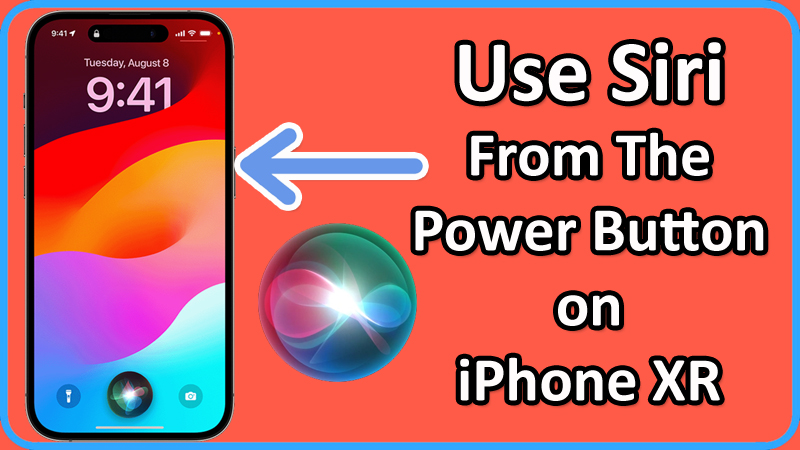
How To Use Siri From Power Button on Apple iPhone XR

How To Bind Siri To The Power Button on iPhone XR

How To Bind Siri To The Power Button on iPhone XR

In this article, you will learn how to bind and use Siri from the Power button on Apple iPhone XR.

Steps To Use Siri From The Power Button on Apple iPhone XR

Step 1: On your iPhone XR, go to Settings > Accessibility.
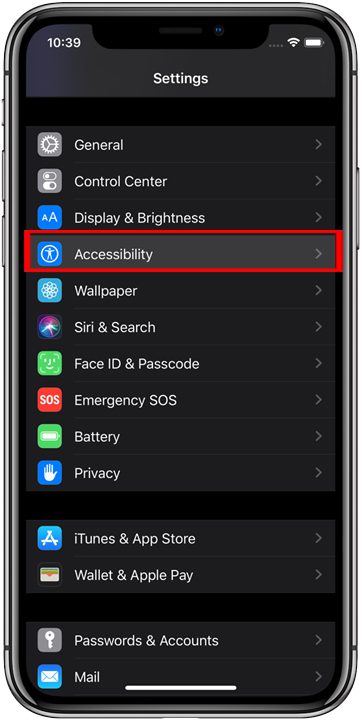
Tap on Accessibility

Step 2: Under “PHYSICAL & MOTOR” section tap on “Side Button” option.
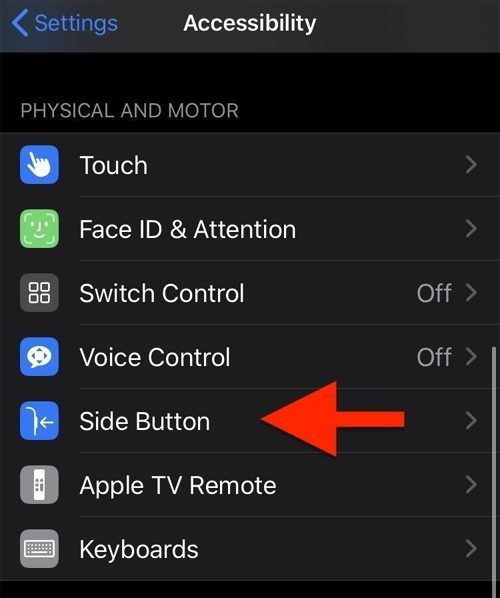
Tap on Side Button

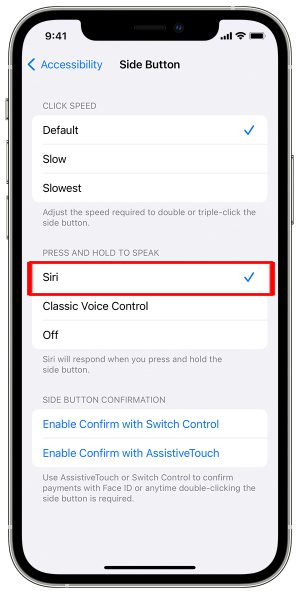
Step 3: Tap on “Siri” option.

Tap on Siri

Step 4: Now, press and hold “Power” button. Siri will activate.

Step 5: Once it is activated, you can then use Siri by pressing the Power button and making the request.
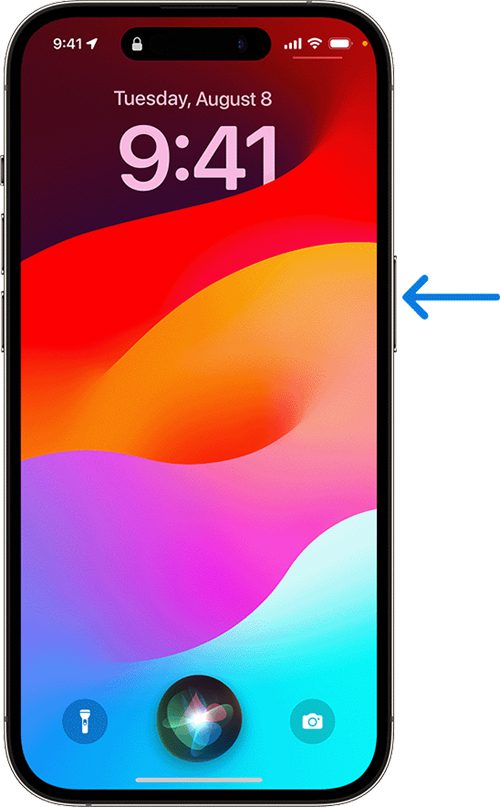
Use Siri From The Power Button on iPhone XR

That’s It!

If you have found this article helpful, then please share it as it can help others!

Please support us by subscribing to our YouTube Channel.

You May Also Like:
How To Fix Reddit Recap 2023 Not Showing

How To Fix Reddit Recap 2023 Not Showing

How To Fix Reddit Recap 2023 Not Showing

In this article, you will learn how to find your Reddit Recap 2023. If you are getting any error or issue while viewing your Reddit recap or it is not showing up, then you will learn some tips that will help you to fix the Reddit Recap 2023 not showing problem.

Read more

How To Fix Xbox App for PC Not Installing

How to Fix Xbox App for PC Not Installing

How to Fix Xbox App for PC Not Installing

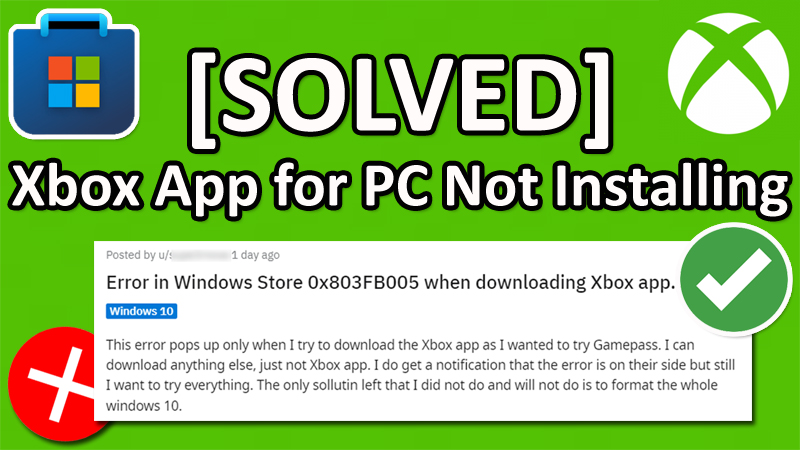
Many people out there getting error code 0x803FB005, when downloading or installing Xbox App for PC from the Microsoft Store.

They are not able to download or install Xbox app for PC on their Windows 10 or 11 PC, instead, they are getting an error message.

Read more