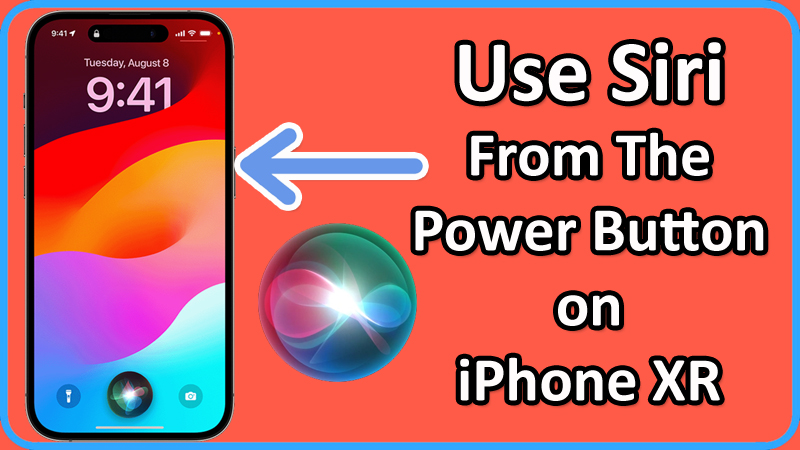
In this article, you will learn how to bind and use Siri from the Power button on Apple iPhone XR.
Steps To Use Siri From The Power Button on Apple iPhone XR
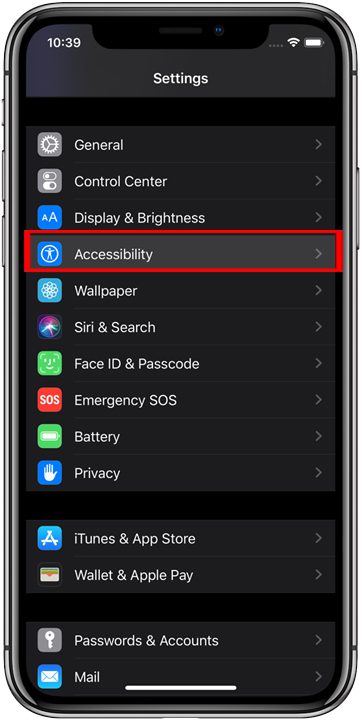
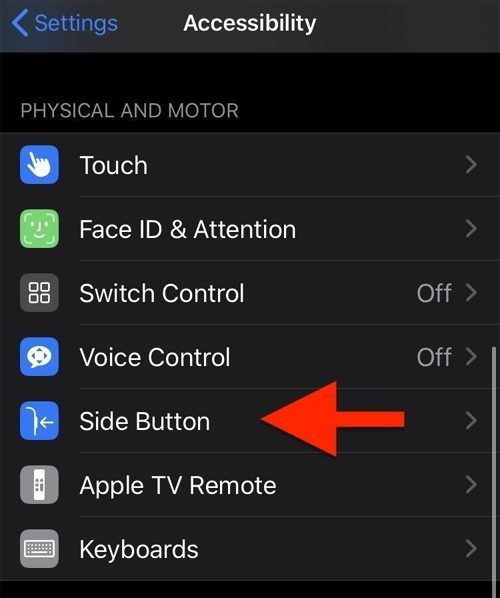
Step 1: On your iPhone XR, go to Settings > Accessibility.
Step 2: Under “PHYSICAL & MOTOR” section tap on “Side Button” option.
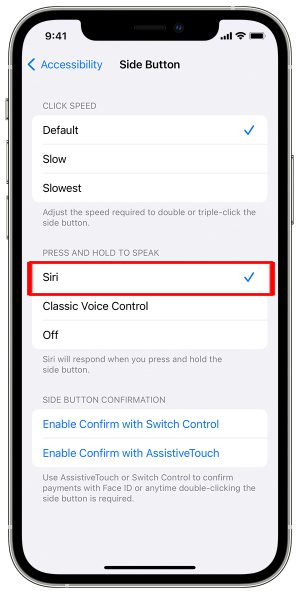
Step 3: Tap on “Siri” option.
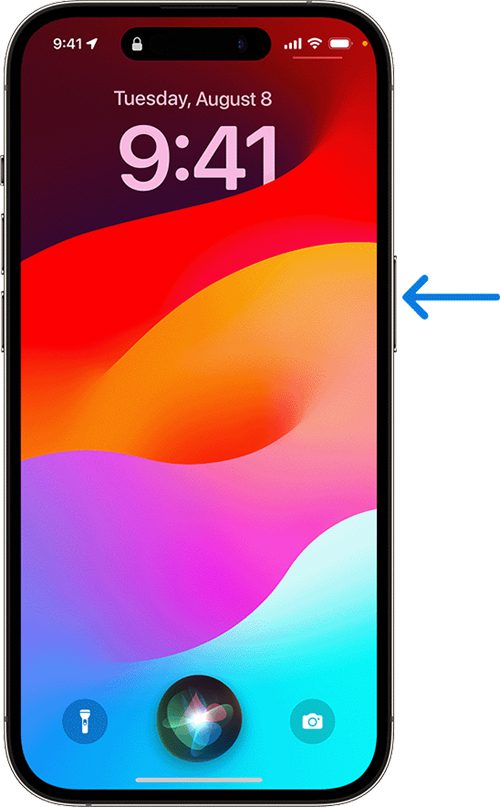
Step 4: Now, press and hold “Power” button. Siri will activate.
Step 5: Once it is activated, you can then use Siri by pressing the Power button and making the request.
That’s It!
If you have found this article helpful, then please share it as it can help others!
Please support us by subscribing to our YouTube Channel.
You May Also Like: