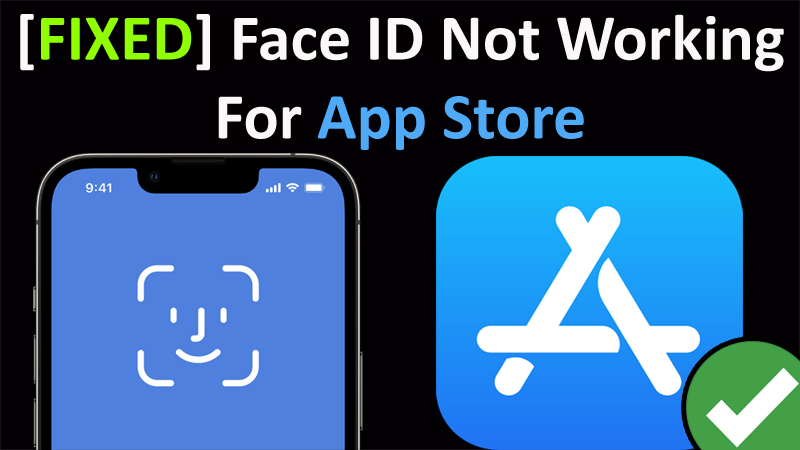
In This Article, You Will Learn How To Fix Face ID Not Working For App Store on iPhone.
How To Fix Face ID Not Working For App Store
1. Turn OFF and ON Face ID For App Store
- On your iPhone, go to Settings.
- Tap on Face ID & Passcode. Enter your passcode.
- Now, here look if “iTunes & App Store” is turned OFF then turn it ON.
- If it is turned ON, then turn it OFF then turn it ON.
2. Sign Out of Apple ID and Then Login Back
- On your iPhone, go to Settings.
- Click on your “Profile” name.
- Scroll down and click on “Sign Out”. Enter your Apple ID password.
- It will then ask you which data you want to keep. So, select the ones that you want to keep.
- Then click on Sign Out. Click on Sign Out again to continue.
- Restart your iPhone.
- Then go to Settings and then Sign-In into your Apple ID.
3. Remove Face ID and Then Re-Add Your Face ID
- On your iPhone, go to Settings.
- Scroll down and click on Face ID & Passcode. Enter your password and continue.
- Scroll down and click on “Reset Face ID” and remove the Face ID.
- Then tap on “Set Up Face ID”.
- Tap on “Get Started” and set-up your face id.
4. TRY THIS TRICK
- Turn off all features under Settings > Face ID & Passcode.
- Reset Face ID and set it up again.
- Then, turn back on all the features that were turned off.
5. Sign Out and Sign In again From Media & Purchases
- Go to Settings > Your Account > Media & Purchases > Sign Out and sign in again.
If you have found this guide helpful, then please share it, as it can help others!
Please support us by subscribing to our YouTube Channel.
You May Also Like: