In This Article, You Will Learn How To Fix Instagram Not Showing Camera Roll Photos or Gallery Not Showing on Android or iPhone.

In This Article, You Will Learn How To Fix Instagram Not Showing Camera Roll Photos or Gallery Not Showing on Android or iPhone.
In This Article, You Will Learn How To Fix Instagram Add Yours Not Working (2024 Guide) or How To Fix Instagram Add Yours Sticker Not Working.
In This Article, You Will Learn How To Fix “This Content Is Not Available” For GIF on Instagram.
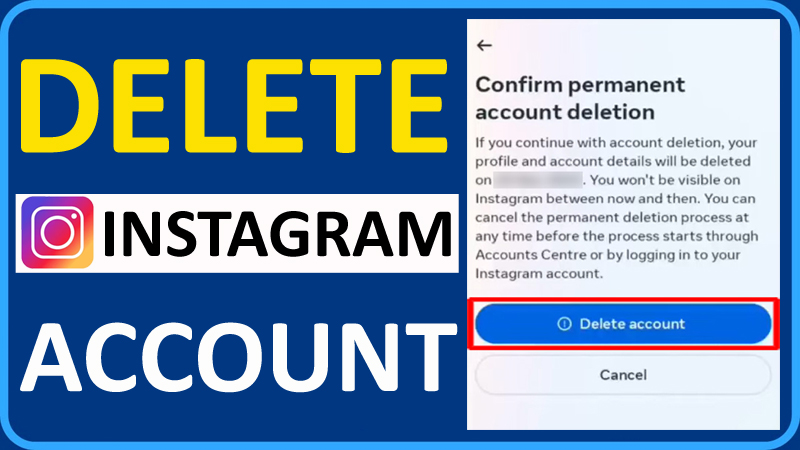
In This Article, You Will Learn How To Delete Your Instagram Account Permanently in 2024 on Android or iPhone.
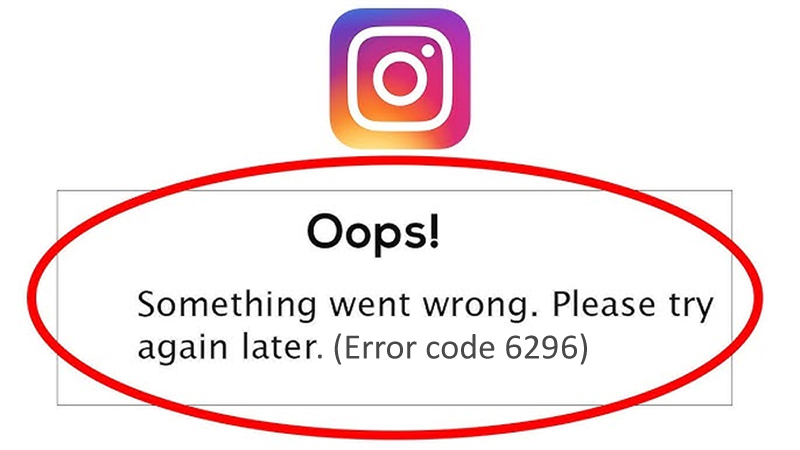
Instagram users are encountering error code 6296.
Users are getting this error message when they try to open the Instagram app and the app does not work.
The full error message is as follows:
“Oops, something went wrong”.
Followed by, “Please try again later. (Error code: 6296)”.

Instagram Reels are entertaining, fun, educative and made to attract new customers.
The reels allow you to record, merge multi-clip video with effects, audio and other tools.
You can add your own original audio or add a music/song from the Instagram music library.
However many users are reporting that the audio has been removed after some time from the video.


Are you not able to view Archived stories on Instagram?
Is your Instagram archived stories missing?
If so, then in this article you will know about some effective solutions that will help you to fix Archive stories not showing or missing on Instagram.

Instagram collaboration feature was introduced in 2021. It is a must-have add-on feature for users who share reels and share the story with family and friends.
This feature allows users to co-author content with other Instagram accounts. It helps two users upload the same content/post to their Reels and feeds to expand the reach.

Overview: Just like Facebook, Instagram also shows ‘suggested for you’ posts to their users. But honestly speaking, many Instagram users do not like this suggestion and hence and they want this feature to be turned off. If you are among those users, then continue reading the article, because here you will find some methods that will help you to turn OFF “Suggested for you” posts on Instagram.

Overview: Instagram reels have become very popular and many users like to watch them. But there are some users who are reporting that reels are not working on their Android or iPhone. So, if you are also going thought the same problem then don’t worry. This article will help you to fix Instagram reels not working on Android/iPhone easily.